
XDA’s recent piece about dropping OneDrive after installing a container hit a nerve a lot of people had been ignoring. OneDrive’s per-user price has crept up again, the Personal Vault feature got moved to a paid tier, and the standard sync client still scans the contents of your files for “content protection.” Self-hosting is the alternative most people consider once, get spooked by the setup, and put off for another year.
We installed seven self-hosted cloud storage tools on a TrueNAS Scale box, a Synology DS923+, and a bare Debian VM, then used the desktop clients on Windows, macOS, and Linux for two weeks of normal work. The picks span the heavyweight collaboration suites and the lean file-sync tools that just move bytes between machines.
What matters in a self-hosted cloud
- Native desktop clients. Web upload is a fallback, not a workflow. Look for Windows, macOS, and Linux clients that handle selective sync and conflict resolution without forcing you into the browser.
- End-to-end encryption. Server-side encryption protects against a server breach. Client-side, end-to-end encryption protects against a server you do not fully trust. The two are different threat models.
- External access without exposing the home network. Built-in Tailscale, WireGuard, or reverse-proxy support beats opening port 443 on your router for an experiment you started last weekend.
- Sharing model. Public link sharing, internal user sharing, and group sharing all matter once a second human enters the picture.
- Backup story. The data lives on hardware you bought, which means you are the IT department. Pick a tool that makes the backup side reasonable.
Quick comparison
| App | Best for | License | Resource appetite | External access |
|---|---|---|---|---|
| Nextcloud | Full Drive replacement with apps | AGPLv3 | Heavy (PHP, database, Redis) | Built-in HTTPS, Talk, external storage mounts |
| Seafile | Fast sync with library-level encryption | AGPLv3 (Community) | Light to medium | Built-in HTTPS, Onlyoffice integration |
| ownCloud Infinite Scale | Modern Go-based ownCloud successor | Apache 2.0 | Light | Built-in OIDC, federated sharing |
| Syncthing | Peer-to-peer sync between your devices | MPL-2.0 | Tiny | Direct device connection, no server |
| FileBrowser | Lightweight self-hosted file manager | Apache 2.0 | Tiny | HTTPS, no sync client |
| Pydio Cells | Enterprise-style sharing and workflows | GPL-3.0 / commercial | Heavy | OIDC, document workflows, optional WAF |
| Cryptomator | Client-side encryption on top of any cloud | GPLv3 | Tiny | None on its own (wraps S3, WebDAV, etc.) |
The apps
1. Nextcloud — Best Drive replacement
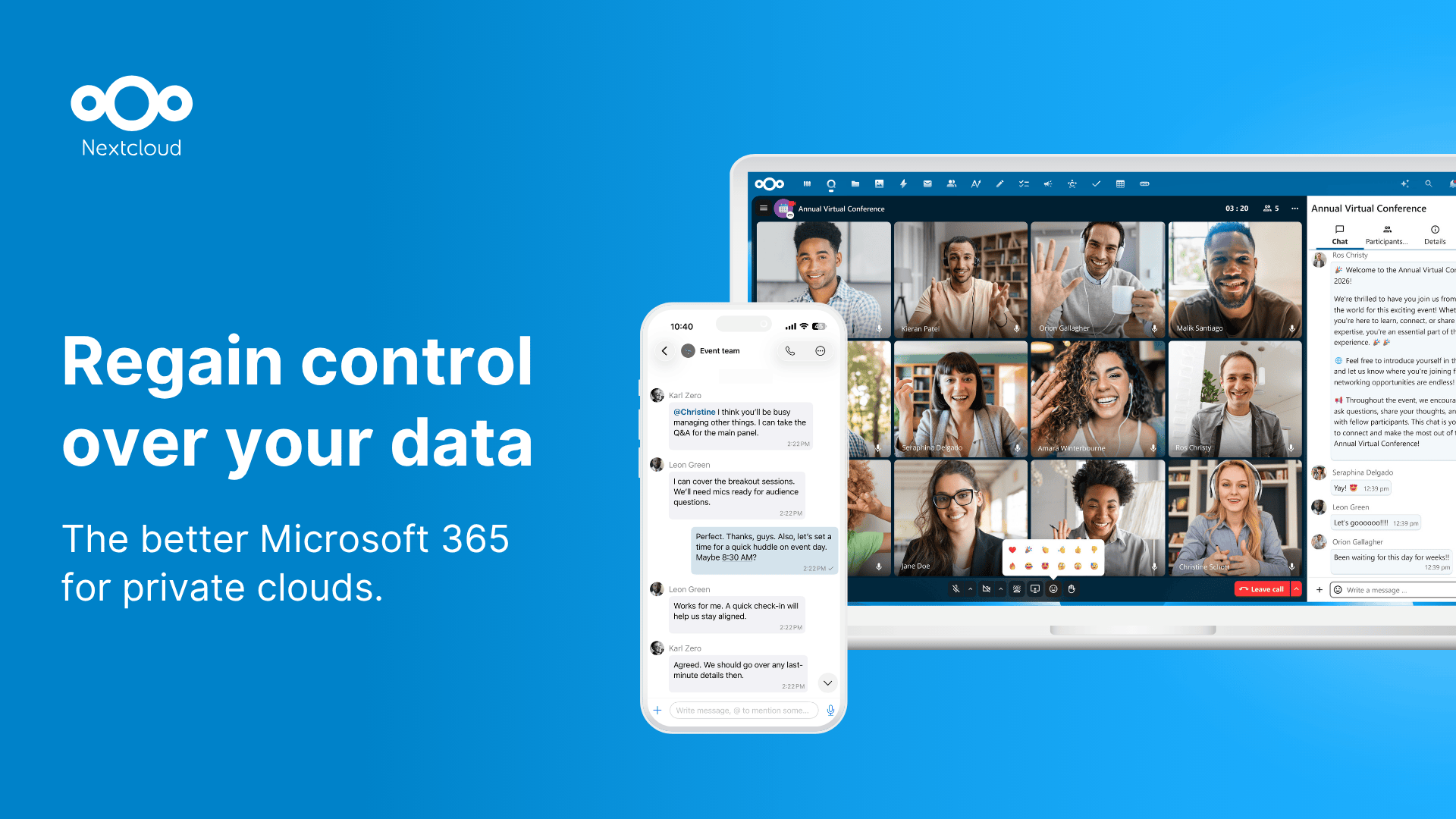
Nextcloud is what most people install first and most people stay on. The core is a Google Drive replacement (sync clients, web file manager, sharing), and the app ecosystem turns it into a small Workspace alternative with Talk (video calls), Office (Collabora or OnlyOffice), Calendar, Contacts, and Notes. The desktop client is mature on Windows, macOS, and Linux.
Where it falls short: The PHP stack is heavy. Performance on small ARM boards (Raspberry Pi 4 and below) is uneven, and a misconfigured Redis or APCu setup turns the UI sluggish. Updates occasionally require manual migration steps. The breadth that makes it useful also makes it more surface area to secure.
Pricing:
- Free: full feature set, AGPL open source
- Paid: enterprise support subscription
- vs OneDrive: deeper, heavier, free of subscription costs but heavier on you to maintain
Platforms: Server runs on Linux, BSD, container, NAS. Clients on Windows, macOS, Linux, Android, iOS.
Bottom line: Pick this when you want a Drive replacement with rooms to grow into Calendar, Office, and chat.
2. Seafile — Best for fast sync
Seafile focuses on getting bytes between machines fast. The protocol is block-based, which means partial file changes upload as small deltas, and the sync client outperforms Nextcloud’s on large repositories. Libraries are the unit of organization, and each library can be encrypted client-side with a password the server never sees.
Where it falls short: The free Community Edition lacks the Pro Edition’s audit logs, antivirus integration, and some collaboration features. Sharing has fewer permission options than Nextcloud. The web file manager is functional but plain.
Pricing:
- Free: Community Edition, AGPLv3 open source
- Paid: Pro Edition (commercial) for teams above 3 users
- vs OneDrive: faster sync, lighter server footprint, fewer apps
Platforms: Server on Linux and Docker. Clients on Windows, macOS, Linux, Android, iOS.
Bottom line: Pick this when sync speed and library encryption matter more than a full app ecosystem.
3. ownCloud Infinite Scale — Best modern lightweight option
ownCloud Infinite Scale is the ownCloud team’s rewrite from PHP to Go, with a microservices architecture that scales horizontally and runs in a fraction of the memory the original ownCloud needed. The interface is the lightest of the heavyweight contenders, and the federated sharing model lets two ownCloud servers share files between users without a central account.
Where it falls short: Smaller ecosystem than Nextcloud, since most of the third-party apps that grew up around ownCloud’s PHP days have not been ported. Some features the classic ownCloud had are still on the roadmap rather than shipped.
Pricing:
- Free: Apache 2.0 open source
- Paid: enterprise support contracts
- vs OneDrive: lighter, more modern architecture, fewer features per checkbox
Platforms: Server on Linux, containers. Clients on Windows, macOS, Linux, Android, iOS.
Download: ownCloud Infinite Scale | Source
Bottom line: Pick this when you want a modern, lightweight server that does not chase the everything-app strategy.
4. Syncthing — Best for peer-to-peer setups
Syncthing does not pretend to be cloud storage. It is peer-to-peer sync between your own machines, with no central server required. Drop a folder on your laptop, mark it as shared with your desktop, accept the share on the other end, and it stays synced. The encryption is end-to-end, the data never touches a third-party server, and the resource footprint is negligible.
Where it falls short: No web file browser by default. No sharing model for non-Syncthing users. Conflict resolution shows up as duplicate filenames rather than a merge dialog. Works best for “my files on all my devices” rather than “share with a colleague.”
Pricing:
- Free: MPL-2.0 open source
- Paid: none
- vs OneDrive: only useful for personal devices, no sharing layer, total privacy
Platforms: Windows, macOS, Linux, FreeBSD, Android, plus a maintained iOS port via Mobius Sync.
Bottom line: Pick this when you want files on every machine you own without any server in the middle.
5. FileBrowser — Best for simple shared access
FileBrowser is a single Go binary that serves a directory over a web interface with user accounts, permissions, and link sharing. No sync client, no calendar, no apps. It is the right tool when you want to expose a folder on a NAS to a few accounts and call it done.
Where it falls short: No native desktop sync. Concurrent editing has no locking. Sharing is link-based; there is no fine-grained group permission system. Not suitable as a Drive replacement; suitable as a remote-access file manager.
Pricing:
- Free: Apache 2.0 open source
- Paid: none
Platforms: Server on Linux, Windows, macOS, containers. Browser-based on every client.
Download: FileBrowser | Source
Bottom line: Pick this when the job is “let me access these files from a browser” and not “build a sync workflow.”
6. Pydio Cells — Best for team workflows
Pydio Cells sits closer to enterprise content management than personal Drive. The sharing model includes cells (shared workspaces with their own permissions), document-level workflows (review, approve, sign), and good audit logging. The Go core scales well, and the policy engine allows fine-grained rules based on user, location, time, and device.
Where it falls short: Overkill for a one-person homelab. The Enterprise Edition gates several features behind a license. Configuration is involved enough that a first install takes an afternoon.
Pricing:
- Free: Home edition, GPLv3 open source
- Paid: Enterprise license
- vs OneDrive: stronger team-collaboration story, weaker single-user simplicity
Platforms: Server on Linux, containers. Clients on Windows, macOS, Linux, Android, iOS.
Download: Pydio Cells | Source
Bottom line: Pick this when several people share documents and audit trails matter.
7. Cryptomator — Best client-side encryption layer
Cryptomator is not a server. It is a desktop client that creates an encrypted vault inside any cloud folder, so the bytes that end up on Dropbox, OneDrive, Google Drive, or your own Nextcloud server are encrypted and unreadable to the host. Pair it with one of the servers above and the cloud only sees ciphertext.
Where it falls short: No file sharing once a vault is encrypted (you cannot share a single file to a non-Cryptomator user). Search inside encrypted vaults is limited. Mobile apps are paid.
Pricing:
- Free: desktop apps for Windows, macOS, Linux
- Paid: about 17 USD one-time for iOS, similar for Android, optional donations
- vs OneDrive: not a replacement; an encryption layer on top
Platforms: Windows, macOS, Linux, Android, iOS.
Download: Cryptomator | Source
Bottom line: Pick this when you want to keep using a cloud you already pay for but stop trusting the host with the plaintext.
How to pick the right one
- If you want a full Drive replacement: Nextcloud. Mature, supported, deepest app library.
- If you care about sync speed and library encryption: Seafile.
- If you want a modern lightweight server: ownCloud Infinite Scale.
- If you only need files on your own devices: Syncthing. Skip the server entirely.
- If you want shared remote access without sync: FileBrowser.
- If a team needs document workflows: Pydio Cells.
- If you do not actually want to self-host but want encryption: Cryptomator on top of an existing cloud.
FAQ
Can I run any of these on a Raspberry Pi?
Yes, with caveats. Syncthing, FileBrowser, and Cryptomator run well on a Raspberry Pi 4 or 5. Seafile is workable. Nextcloud and Pydio Cells run, but expect uneven UI performance once a few clients sync concurrently.
Is self-hosted cloud storage actually safer than OneDrive or Google Drive?
It can be, if you back up the data, keep the server patched, and avoid exposing it to the open internet without a real authentication layer. A neglected self-hosted server is less safe than a maintained commercial cloud. A well-maintained one keeps your files under your own control.
Do I need to open a port on my router?
Not necessarily. Tailscale, ZeroTier, and Cloudflare Tunnel all let you reach a home server from the internet without opening ports. WireGuard works too, with slightly more setup. Opening a port to the internet is the legacy path and rarely the right one in 2026.
Which one is best for collaboration?
Nextcloud for general collaboration with broad apps. Pydio Cells if document workflows and audit matter. Seafile for fast file sync between team members.
How do I migrate from OneDrive?
Install a OneDrive client on your computer, let it sync everything locally, then copy from the OneDrive folder into the desktop client of your new self-hosted tool. Verify file counts and sizes match before deleting from OneDrive. Watch out for OneDrive-only folder structures that contain reserved characters Linux filesystems do not allow.
Can I keep my files on my NAS but still access them when I am traveling?
Yes. Every server in this list supports remote access through a reverse proxy or VPN. The lightest setup is Tailscale on the NAS plus the same tool on your laptop and phone, which gives every device a direct, encrypted route to your home network with no public port exposed.

