Visual Studio Code has been the default for so long that the criticisms now read like a familiar list. The Electron shell is heavy, telemetry is on by default unless you turn it off, and the AI experience depends on which extension you happen to install. New editors have started to win mindshare because they take a strong opinion on at least one of those things. We tested 7 Visual Studio Code alternatives on Windows, macOS, and Linux for the workloads people actually use VS Code for: daily coding, AI-paired writing, and remote development.
The picks below cover Rust-built editors that aim at native speed, AI-native forks that change the writing loop, modal editors that trade GUI ergonomics for keyboard-only flow, and a clean rebuild of VS Code itself without the Microsoft telemetry. Each is judged on startup time, extension or LSP coverage, AI integration, and how painful the migration of an existing settings file actually is.
Quick comparison
| App | Best for | Free tier | Paid starting price | AI built in |
|---|---|---|---|---|
| Zed | Native-speed everyday editing | Yes | Optional Pro tier | Yes |
| Cursor | AI pair programming | Yes (limited) | Subscription | Yes |
| JetBrains Fleet | Mixed-language project workspaces | Yes (smart mode) | Paid tier coming | Yes |
| Neovim | Keyboard-driven modal editing | Yes (free) | Free | Via plugins |
| Helix | Modal editing without configuration | Yes (free) | Free | Via plugins |
| VSCodium | VS Code without Microsoft telemetry | Yes (free) | Free | Via extensions |
| Lapce | Rust-built native editor | Yes (free) | Free | Via plugins |
Why people leave Visual Studio Code
The weight of the editor is the most common complaint. Electron, the Node-based renderer, and the extension host all add up to a memory profile that surprises new users on smaller machines. Cold start on a fresh project, indexing time, and battery drain on laptops all run heavier than the Rust-built alternatives.
Telemetry is the second reason. The Microsoft build of VS Code phones home for product improvement metrics by default, several built-in extensions add their own collection, and the opt-out is a settings dive rather than a clear consent prompt. Privacy-focused users move to VSCodium for the same editor without those calls.
The third reason is AI. Copilot is good for autocomplete, but Cursor’s agent-driven multi-file edits and Zed’s collaborative AI chat both feel a generation ahead. Anyone using AI seriously every day notices the gap. A smaller group of power users also leaves because modal editing in Neovim or Helix is faster once you internalize the verbs, and the configuration files are simpler to manage in version control.
The 7 best Visual Studio Code alternatives for desktop
Zed, best native-speed everyday editor
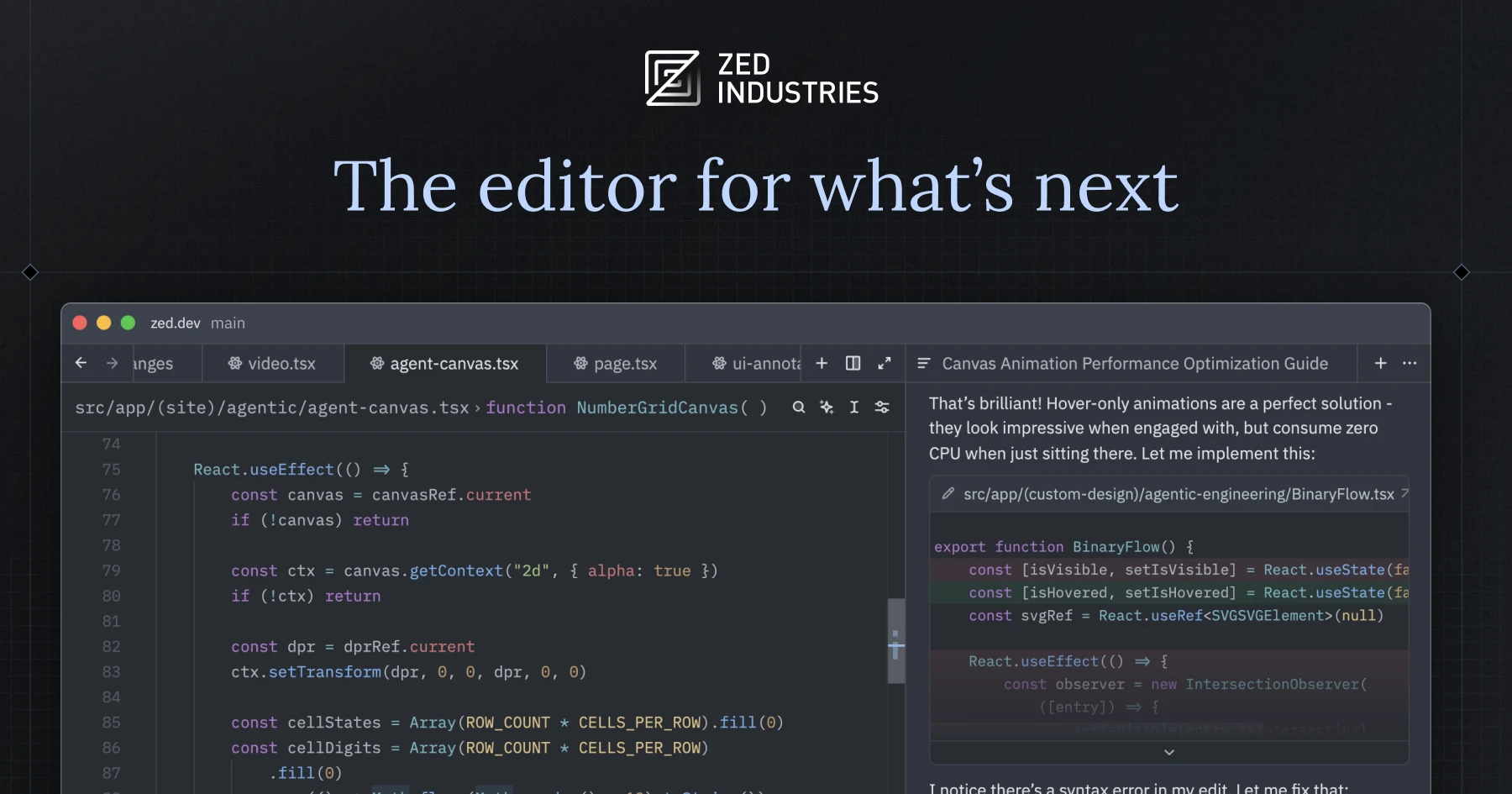
Zed is written in Rust and renders through the GPU, which is exactly what it sounds like. Cold start is near-instant, large files do not stutter, and the editor stays responsive under heavy autocompletion. The collaborative editing model is built in (live cursors, shared terminals, multiplayer call) and the AI assistant supports multiple LLM backends with a clean inline chat.
Where it falls short: The extension ecosystem is younger than VS Code’s and some niche language servers are still rough. Theming options are growing but not as deep yet.
Pricing:
- Free: full editor for individuals
- Paid: optional Pro tier for hosted AI and team collaboration
- vs VS Code: dramatically faster, smaller extension catalogue
Download: zed.dev
Bottom line: Pick Zed if speed and native performance matter, and you can accept a younger extension catalogue.
Cursor, best AI-first VS Code fork
Cursor is a VS Code fork that puts the AI experience first. The agent can edit across multiple files, run shell commands to verify, and chain edits in a way that ordinary Copilot cannot. Existing VS Code settings, keybindings, and extensions transfer almost without change, so the migration is among the lowest-friction switches in this list.
Where it falls short: The free tier limits requests on the strongest models. The product moves fast and breaking changes between releases occasionally surface in extensions.
Pricing:
- Free: limited monthly use on strong models
- Paid: subscription with higher limits and access to the latest models
- vs VS Code: smarter AI loop, similar everyday editing
Download: cursor.com
Bottom line: Pick Cursor if AI is doing real work in your day and Copilot is no longer enough.
JetBrains Fleet, best for mixed-language workspaces
JetBrains Fleet is JetBrains’ modern lightweight editor that can flip into a full IDE mode powered by the language-aware backend that drives IntelliJ and friends. The two-mode design (Smart Mode off for fast, on for deep refactoring and intelligence) is the bet, and on mixed-language projects (Kotlin, Python, TypeScript, Rust) it scales better than VS Code with multiple extensions fighting for memory.
Where it falls short: The remote backend is heavier than VS Code’s Remote-SSH for simple cases. Pricing for the next major tier is still in flux.
Pricing:
- Free: Smart Mode off for personal use
- Paid: Smart Mode and team features under a paid plan
- vs VS Code: deeper intelligence on big polyglot projects, heavier remote story
Download: jetbrains.com
Bottom line: Pick Fleet if you work across JetBrains-territory languages and want one editor instead of three IDEs.
Neovim, best for keyboard-driven editing
Neovim is the modern fork of Vim and the home of a serious Lua-based plugin ecosystem. Distributions like LazyVim, AstroNvim, and NvChad ship modern defaults out of the box, LSP integration matches VS Code on intelligence, and the keyboard-only workflow is the fastest editing experience available once you internalize the modal verbs.
Where it falls short: The learning curve is real and not optional. GUI affordances (search panels, settings UI, drag-and-drop) are missing by default.
Pricing:
- Free: completely free, open-source
- Paid: none
- vs VS Code: faster editing for those who learn it, no GUI hand-holding
Download: neovim.io
Bottom line: Pick Neovim if you are willing to spend two weeks on muscle memory in exchange for years of faster editing.
Helix, best modal editor without configuration
Helix is a Rust-built modal editor designed to give Neovim’s editing model without the configuration cliff. The keymap puts the object before the verb, which most users find easier to learn than Vim’s verb-then-object order. LSP, tree-sitter syntax, and multiple cursors all ship in the base install with no plugin manager.
Where it falls short: The plugin system is younger and still landing core features. Some advanced workflows (custom integrations, IDE-like refactors) need workarounds.
Pricing:
- Free: completely free, open-source
- Paid: none
- vs VS Code: lighter, modal, less assembly required than Neovim
Download: helix-editor.com
Bottom line: Pick Helix if you want Neovim’s speed without spending a weekend on init files.
VSCodium, best VS Code without telemetry
VSCodium is a community build of the open-source VS Code source without Microsoft’s branded binaries, default telemetry, or the proprietary marketplace. The extension experience uses the Open VSX registry, which covers the major language servers and most popular tools. For users who want VS Code’s daily feel without the data collection, the swap is straightforward.
Where it falls short: Some Microsoft-owned extensions (notably the C# Dev Kit) require licence terms that bind to the Microsoft build, so a few extensions do not run cleanly under VSCodium.
Pricing:
- Free: completely free, open-source
- Paid: none
- vs VS Code: same daily feel, no telemetry, smaller extension marketplace
Download: vscodium.com
Bottom line: Pick VSCodium if you like VS Code as an editor and want it without Microsoft’s data calls.
Lapce, best Rust-built lightweight editor
Lapce is another Rust-built editor in the Zed lineage, with a GPU renderer and a remote-by-default model: the editor and the backend can run on different machines, which makes SSH workflows feel native. The plugin system uses WebAssembly, which keeps the host fast and isolated.
Where it falls short: The editor is younger than Zed and the plugin catalogue is even smaller. Stability has improved but trails Zed on edge cases.
Pricing:
- Free: completely free, open-source
- Paid: none
- vs VS Code: lighter, native remote, much smaller plugin pool
Download: lapce.dev
Bottom line: Pick Lapce if you want a Rust-built editor with strong native remote and you can accept the smaller ecosystem.
How to choose
Pick Zed if native speed is what you came for and your language servers are mainstream.
Pick Cursor if AI is doing real work in your day and Copilot is not enough.
Pick JetBrains Fleet for big polyglot projects where intelligence on each language matters.
Pick Neovim if you want to invest two weeks for years of fast modal editing.
Pick Helix if you want modal editing today without writing init.lua.
Pick VSCodium if VS Code is fine, the telemetry is not.
Pick Lapce if Zed feels right but you want native remote support.
Stay on Visual Studio Code if your extension stack is the workflow and replacing it would slow you down for weeks.
FAQ
Can I use my VS Code extensions in these alternatives?
VSCodium uses the Open VSX registry, which carries most popular extensions but not Microsoft-licenced ones. Cursor is a VS Code fork and uses the same marketplace by default. Zed, Helix, Lapce, and JetBrains Fleet each have their own plugin systems.
Which alternative is the fastest?
Zed and Lapce share the lead on cold start and large-file editing. Helix is the fastest at editing operations once you learn the keymap. Neovim is comparable to Helix in raw speed.
Is there a VS Code alternative without telemetry?
VSCodium is the obvious answer: it ships the open-source VS Code source without Microsoft’s data collection. Zed, Helix, Lapce, and Neovim collect either nothing or only opt-in usage metrics.
What is the best AI coding alternative?
Cursor leads on agent-style multi-file edits. Zed integrates multiple LLM backends with a clean chat. JetBrains AI Assistant inside Fleet is improving fast. VS Code with Copilot still leads on inline autocomplete latency.
Can I import my VS Code settings into another editor?
Cursor and VSCodium accept VS Code’s settings.json and keybindings.json directly. Zed has a settings importer. Helix, Neovim, and Lapce use their own configuration languages and require manual translation.