Xcode 26.6 added Google Gemini alongside ChatGPT and Apple Intelligence. The AI options are wider, the simulator still chews through RAM, the indexer still rebuilds at the worst times, and every Swift compile feels like a coffee break. If you ship for Apple platforms or do general dev on a Mac and Xcode’s friction has finally tipped over, these are seven Xcode alternatives for desktop in 2026.
Quick comparison
| App | Best for | Platforms | Apple-platform support | Standout |
|---|---|---|---|---|
| JetBrains Fleet | Polyglot AI-native IDE | Windows, macOS, Linux | Swift via plugin | Distributed dev, Code With Me |
| Visual Studio Code | General-purpose editor | Windows, macOS, Linux | SourceKit-LSP, sweetpad | Plugin ecosystem |
| Cursor | AI-first VS Code fork | Windows, macOS, Linux | Same as VS Code | Composer agent, tab predictions |
| Zed | Fast collaborative editor | Windows, macOS, Linux | SourceKit-LSP | GPU rendering, multibuffer |
| Nova | Native macOS web dev | macOS | Limited | AppKit speed, panel UI |
| Android Studio | Companion mobile dev | Windows, macOS, Linux | None | Kotlin Multiplatform link |
| Sublime Text | Lightning-fast editor | Windows, macOS, Linux | LSP-sourcekit | Goto Anything, no-bloat |
Why developers leave Xcode
The repeated complaints across the Apple Developer Forums and r/iOSProgramming:
- The indexer rebuilds at random and stalls the editor for minutes on large projects.
- The simulator is a memory hog and Apple Silicon machines still feel the heat.
- Source control integration is functional but underpowered next to Fork or any JetBrains UI.
- The Xcode beta cycle is its own job. Every iOS major version brings a window of pain.
- The Swift compiler is fast as a language and slow as a build. Incremental compilation is unreliable on mid-size projects.
The picks below address those gaps. Some are Apple-platform alternatives; others step around Xcode entirely for cross-platform work.
The 7 best Xcode alternatives on desktop
JetBrains Fleet, polyglot AI-native IDE
JetBrains Fleet is JetBrains’s modern, distributed successor to the AppCode era (AppCode itself was sunset in 2022). Fleet handles Swift via the SourceKit-LSP backend, plus every other JetBrains-supported language. Smart mode unlocks the IntelliJ-grade analysis when you need it; lightweight mode stays fast for quick edits.
Where it falls short: Swift support is good but not parity with what Xcode does natively (especially for Interface Builder and Xcode-only SwiftUI Previews). Free for non-commercial use; commercial requires a JetBrains All Products pack.
Pricing:
- Free: non-commercial use, fully featured
- Paid: from $9.90/mo for individuals
- vs Xcode: not free for work use, more flexible elsewhere
Switching from Xcode: Use Fleet for Swift editing and JetBrains plugins for everything else. Keep Xcode open for storyboards and provisioning profiles.
Download: Fleet for desktop
Bottom line: Pick Fleet when most of your code isn’t Swift and the JetBrains analysis matters across languages.
Visual Studio Code, general-purpose editor
Visual Studio Code is the default cross-platform editor and now ships with first-class Swift support via the SourceKit-LSP extension. The community sweetpad extension wraps xcodebuild so you can build iOS apps without opening Xcode. Plugin ecosystem covers the rest of every stack you’ll touch.
Where it falls short: SwiftUI previews require Xcode running in the background. Signing, provisioning, and distribution all push you back to Xcode eventually. Electron-based, so RAM usage isn’t trivial.
Pricing:
- Free: yes
- Paid: none for the editor
- vs Xcode: cheaper, slower for full Apple workflows
Switching from Xcode: Install the Swift extension, the sweetpad extension, and the Git Graph extension. Build commands via the command palette.
Download: Visual Studio Code for desktop
Bottom line: Pick VS Code when you want one editor across stacks and Xcode is your background tool for signing.
Cursor, AI-first VS Code fork
Cursor is a VS Code fork built around the AI agent loop. The Composer pane runs multi-file edits with the model you choose. The inline tab predictions are the closest thing to a real autocomplete-2.0 for Swift if you’re working in a VS Code workspace via the sweetpad workflow.
Where it falls short: Same Apple-platform limitations as VS Code. Subscription pricing climbs fast for power users. Some VS Code plugins lag a release behind.
Pricing:
- Free: limited monthly request quota
- Paid: Pro $20/mo, Business $40/user/mo
- vs Xcode: a real cost, but the AI loop replaces a lot of busywork
Switching from Xcode: Migrate from VS Code in minutes. Keep Xcode for SwiftUI Previews and signing.
Download: Cursor for desktop
Bottom line: Pick Cursor when the AI loop is the centre of your day and you don’t mind orchestrating Xcode in the background.
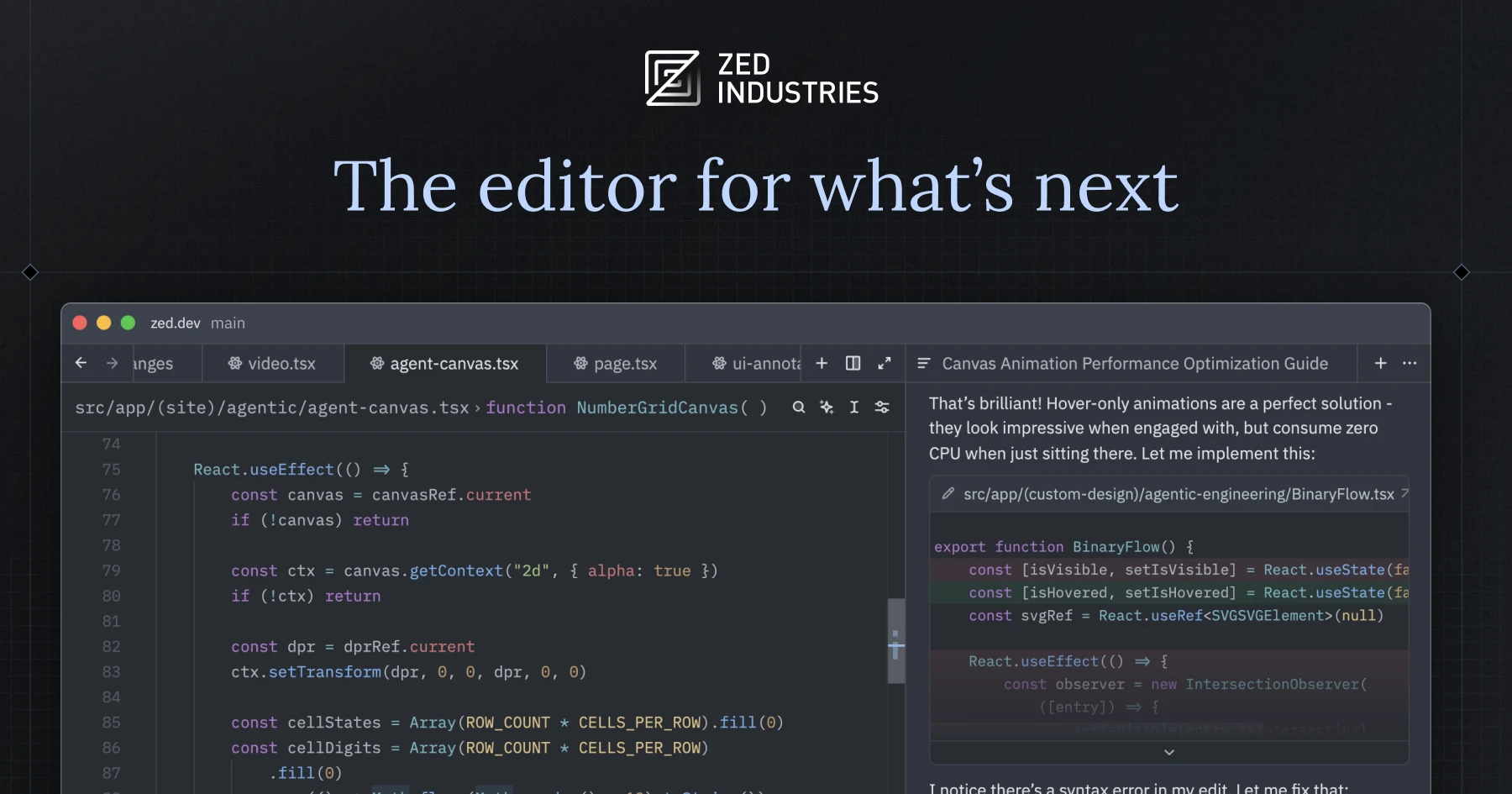
Zed, fast collaborative editor
Zed is the GPU-rendered editor from the Atom team. The multibuffer view is the standout: edit search results in place, scroll across files in one buffer. Swift works via SourceKit-LSP. The collaboration mode is closer to Google Docs than VS Code Live Share.
Where it falls short: Plugin ecosystem is younger than VS Code’s. No SwiftUI Previews. AI features depend on the model provider you bring.
Pricing:
- Free: yes, open source
- Paid: AI subscription optional, BYO key alternative
- vs Xcode: free and fast, narrower Apple-platform integration
Switching from Xcode: Open the project, install the Swift extension, set up the SourceKit-LSP path. Use Xcode for the build.
Download: Zed for desktop
Bottom line: Pick Zed when responsiveness is the constraint and the multibuffer workflow appeals to you.
Nova, native macOS web dev
Nova by Panic is a native macOS editor with AppKit speed and a strong focus on web dev. Swift support is via LSP. The panel-based UI is closer to TextMate than VS Code and the native rendering is a relief after every Electron app.
Where it falls short: macOS-only. Plugin ecosystem is small. Apple-platform tooling is limited; this is mainly a web editor.
Pricing:
- Free: trial
- Paid: $99 one-time + $49/year for updates
- vs Xcode: very different scope, very different feel
Switching from Xcode: Use Nova for the web side of a hybrid project and keep Xcode for the native side.
Download: Nova for macOS
Bottom line: Pick Nova when most of your work is web tooling and you want a native macOS editor as your daily driver.
Android Studio, companion mobile dev
Android Studio is here because of Kotlin Multiplatform. If your project targets both Android and iOS via KMP, Android Studio is where the KMP plugin lives and where you’ll spend most of your day. Xcode becomes the secondary IDE for the iOS-specific layer.
Where it falls short: Not a real Swift editor. The Apple side of a KMP project still needs Xcode for signing and SwiftUI work. Heavy on system resources.
Pricing:
- Free: yes
- Paid: none
- vs Xcode: complement rather than replacement
Switching from Xcode: Treat Android Studio as primary for shared KMP code and Xcode as primary for Apple-only Swift.
Download: Android Studio for desktop
Bottom line: Pick Android Studio if your iOS work is a thin layer on top of a Kotlin Multiplatform core.
Sublime Text, lightning-fast editor
Sublime Text is the long-running answer to “I want an editor that opens instantly”. Swift support via LSP-sourcekit. Goto Anything and multiple-cursors are still better than every modern editor’s take on them. No AI features in the box.
Where it falls short: No real IDE features; this is a text editor. AI assistance needs plugins. Apple-platform integration is what you script.
Pricing:
- Free: indefinite trial with periodic nag
- Paid: $99 license, three-year updates
- vs Xcode: speed-focused, IDE features absent
Switching from Xcode: Use Sublime as the typing surface, keep Xcode for everything that needs the Apple toolchain.
Download: Sublime Text for desktop
Bottom line: Pick Sublime Text when you want zero startup cost and you’re comfortable scripting the build.
How to choose
If you want one IDE for Swift plus everything else, JetBrains Fleet is the closest replacement to the old AppCode story.
If you want a free general-purpose editor and you’re fine running Xcode in the background, VS Code is the right call.
If the AI loop is your centre of gravity, Cursor edges out VS Code with the Composer pane.
If responsiveness is the constraint and you don’t need a deep plugin marketplace, Zed earns the slot.
If most of your day is web or hybrid work on macOS, Nova is the native option.
Stay in Xcode if you ship SwiftUI Previews-heavy code or your project needs Interface Builder. Apple still owns those workflows and nothing else gets near them.