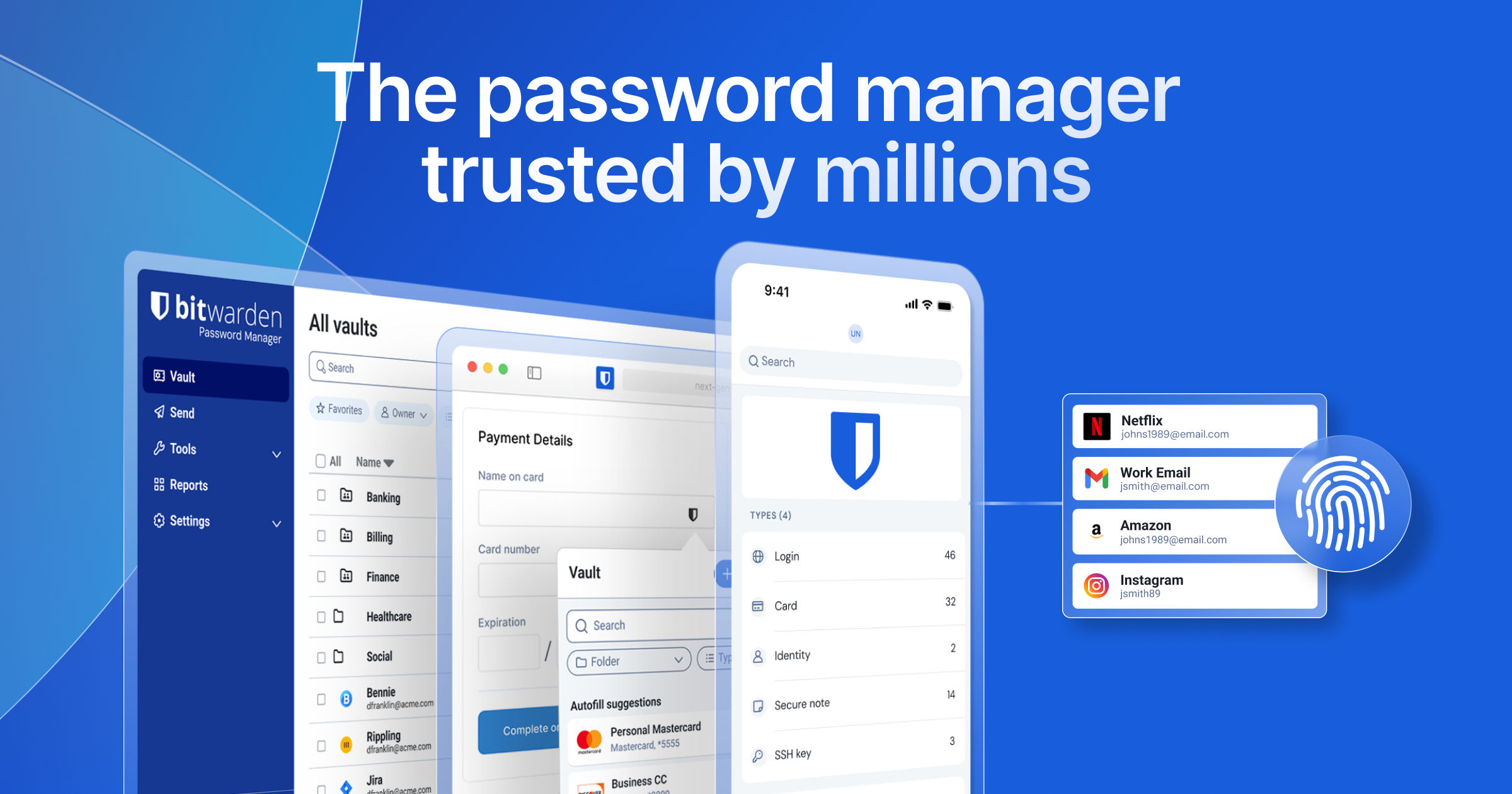
The XDA writer who swapped passwords for passkeys flagged the part most people figure out a month in: you are no longer juggling logins, you are now juggling ecosystems. Apple passkeys live in iCloud Keychain, Google passkeys live in Google Password Manager, Microsoft passkeys live in Authenticator, and any of those three want you all-in. The cross-platform answer is a password manager that owns the passkey store and syncs across phones, browsers, and desktops you actually use. We tested seven of the best apps for passkeys on Android in 2026, picked from the apps that ship a working passkey credential provider and an autofill experience that does not break.
We scored each on three things: how cleanly it handles Android 14+ Credential Manager APIs, whether the same passkey works on Windows and macOS, and what the export and migration path looks like if you ever want to switch managers later.
What to look for in a passkey app
Five things separate the apps that hold up day-to-day from the ones that look good in screenshots:
- Credential Manager API support. Android 14 added the Credential Manager API, which lets any installed app act as a system-wide passkey provider. Apps that did not adopt it still pop the old autofill bottom sheet and lose the FIDO2 polish.
- Cross-device sync. A passkey that only exists on your phone is a step back. Pick an app whose vault syncs to Windows, macOS, Linux, and at least one browser.
- Open standards. iOS 26 added passkey export, and the CXP standard lets you move passkeys between managers. Apps that already speak CXP let you leave them later without losing logins.
- Zero-knowledge encryption. The vault should be encrypted with a key only you hold. Bitwarden, 1Password, Proton Pass, KeePassDX, and Keeper all qualify; Google’s Password Manager does not in the strict sense.
- Pricing model. Free plans for personal use are a real thing now. Only pay for features you will use (family sharing, breach reports, premium 2FA).
Quick comparison
| App | Best for | Free plan | Paid starts at | Encryption |
|---|---|---|---|---|
| Bitwarden | Best free pick | Yes, unlimited items | $10/year Premium | Zero-knowledge |
| 1Password | Polished cross-platform | 14-day trial | Individual plan | Zero-knowledge |
| Proton Pass | Privacy-focused free tier | Yes, 10 aliases | Plus tier | Zero-knowledge |
| Google Password Manager | Built-in convenience | Yes | N/A | Tied to Google account |
| Dashlane | All-in-one privacy bundle | Limited free | Premium tier | Zero-knowledge |
| KeePassDX | Local-vault open source | Yes, fully free | N/A | Local vault, you sync |
| Keeper | Enterprise-grade features | 30-day trial | Personal plan | Zero-knowledge |
The apps
1. Bitwarden — best free passkey app
Bitwarden is the safe recommendation for anyone starting with passkeys. The free plan is real (unlimited vault items, sync across all devices, passkey support), the apps are on every platform, and the codebase has been audited. Reddit’s r/degoogle and r/privacy threads have made Bitwarden the default answer for years, and the 2025 passkey rollout did not change that.
Where it falls short: The UI is utilitarian. The browser extension can be slow on cold-start. The 2FA app is sold as a separate paid product.
Pricing:
- Free: Unlimited items, all devices, passkey storage and use
- Paid: Premium for advanced 2FA storage, file attachments, breach reports
Platforms: Android, iOS, Windows, macOS, Linux, web, all major browsers.
Download: Aptoide · Google Play
Bottom line: Install this if you want a free, open-source manager that handles passkeys across every device you own.
2. 1Password — best polished cross-platform
1Password has the most polished Android, iOS, and desktop apps in this list. Passkey creation, sync, and autofill all work without friction. Watchtower flags breached or weak credentials, and the family plan is the most family-friendly here for non-technical relatives.
Where it falls short: No free tier for personal use after the trial. Pricier than Bitwarden. The new “1Password 8” architecture moved the vault to the cloud (still encrypted, but a change from older local-vault behavior).
Pricing:
- Free: 14-day trial
- Paid: Individual subscription monthly or annual
Platforms: Android, iOS, Windows, macOS, Linux, web, all major browsers, Apple Watch, Wear OS.
Download: Aptoide · Google Play
Bottom line: Pick if you want the most polished daily experience and you are happy paying a subscription for it.
3. Proton Pass — best privacy-first free tier
Proton Pass by the Proton team (also behind Proton Mail and Proton VPN) ships a free plan that supports unlimited items, 10 email aliases, and passkeys. The privacy model matches the rest of the Proton suite — Swiss-based, zero-knowledge, end-to-end encrypted.
Where it falls short: Younger product than Bitwarden and 1Password. Some advanced features (unlimited aliases, hide-my-email) are gated to the paid Proton Unlimited bundle.
Pricing:
- Free: Unlimited items, 10 aliases, passkeys
- Paid: Plus or bundled in Proton Unlimited
Platforms: Android, iOS, Windows, macOS, Linux, web, all major browsers.
Download: Aptoide · Google Play
Bottom line: Pick if you already use Proton Mail or Proton VPN, or if you want a privacy-first free tier with email aliasing built in.
4. Google Password Manager — best built-in convenience
Google Password Manager is the passkey provider Android ships with by default. On Pixel and most OEM builds, passkeys created on Chrome sync to your Google account automatically. As of 2025, Google extended that sync to iOS and Chrome on Windows, so the lock-in story is softer than it was.
Where it falls short: Tied to a Google account. The vault key is held by Google (not zero-knowledge by the strict definition). Limited features outside Chrome (no native macOS app, no Linux app).
Pricing:
- Free: Built-in to every Android phone and Chrome browser
Platforms: Android, iOS, Chrome on Windows / macOS / Linux.
Download: Built into Android Settings → Passwords. No separate app to install.
Bottom line: Pick if you live in Chrome and a Google account and do not need a vault outside that world.
5. Dashlane — best all-in-one privacy bundle
Dashlane adds VPN access (Hotspot Shield powered) and dark-web monitoring on top of password and passkey management. The autofill UX on Android is among the cleanest of the paid managers. The browser extension is a strong product, with a built-in password health dashboard.
Where it falls short: The free tier is more restrictive than Bitwarden’s or Proton Pass’s. The VPN is a Hotspot Shield re-skin rather than a Dashlane-owned product.
Pricing:
- Free: Up to 25 items on one device
- Paid: Premium individual tier with VPN and dark-web monitoring
Platforms: Android, iOS, Windows, macOS, web, all major browsers.
Download: Aptoide · Google Play
Bottom line: Pick if you want a single subscription for passkeys, password health, and VPN access bundled.
6. KeePassDX — best open-source local-vault pick
KeePassDX is the Android reader for the KeePass file format. The vault lives as a .kdbx file on your device, you choose how to sync it (Syncthing, Nextcloud, a USB cable), and no company holds any part of your secret. The 2025 update added Android Credential Manager support, so it now provides passkeys system-wide.
Where it falls short: You handle sync yourself. The UX is less polished than the commercial picks. The desktop counterpart (KeePassXC) is excellent; iOS support depends on third-party readers (Strongbox, KeePassium).
Pricing: Free, open source.
Platforms: Android. Pair with KeePassXC on Windows / macOS / Linux.
Download: F-Droid · Google Play
Bottom line: Pick if you want your passkeys local-only and you are willing to manage sync yourself.
7. Keeper — best for enterprise-grade features
Keeper ships role-based access, secret management for shell and API keys, and an enterprise admin console — features that matter if your day job uses Keeper and you want personal logins in the same app. The personal plan has the same passkey support as the enterprise tier.
Where it falls short: Paid only after the trial. Pricier than Bitwarden or Proton Pass for personal use. UI density skews toward IT admins.
Pricing:
- Free: 30-day trial
- Paid: Personal subscription
Platforms: Android, iOS, Windows, macOS, Linux, web, all major browsers.
Download: Aptoide · Google Play
Bottom line: Pick if your workplace already uses Keeper, or if you want the same vault for personal and work credentials.
How to pick the right one
If you want the simplest free pick, install Bitwarden and stop reading. It has covered the most users for the longest and the passkey support is solid.
If you want a polished UX and you do not mind paying, install 1Password. The Android app and the browser extension are the smoothest in the category.
If privacy is the deciding factor, install Proton Pass. The free tier covers passkeys and 10 email aliases, which is the most privacy-conscious offer here.
If you want to keep your vault local, install KeePassDX on Android and KeePassXC on desktop. Sync the .kdbx file with Syncthing and you never hand the keys to a vendor.
If you live entirely in Chrome and a Google account, Google Password Manager is fine. The lock-in concern is real but smaller than it was, and the convenience is unbeatable inside that ecosystem.
FAQ
What is the best free passkey app on Android?
Bitwarden is the strongest free pick — unlimited items, sync across all devices, full passkey support. Proton Pass is a close second with 10 email aliases included in the free tier.
Can I move my passkeys between apps?
As of iOS 26 and recent Android updates, passkeys can be exported between managers using the CXP standard. Bitwarden, 1Password, Proton Pass, and Dashlane have all rolled out import or export support across 2025 and 2026.
Is Google Password Manager safe for passkeys?
It is encrypted in transit and at rest, but the vault key is tied to your Google account rather than a separate master password you hold. Compared to a zero-knowledge manager like Bitwarden or Proton Pass, it is less private but more convenient inside Chrome.
Do password managers work with iOS passkeys?
Yes. Apps that adopted the iOS 17 Password Manager API can register as system passkey providers on iOS. Apple Passwords, Bitwarden, 1Password, Proton Pass, Dashlane, and Keeper all qualify.
What happens to my passkeys if I lose my phone?
Cloud-synced passkeys (Bitwarden, 1Password, Proton Pass, Google) restore as soon as you sign in on a new device. Local-only setups (KeePassDX without sync) require you to have backed up the vault file yourself.
Is Bitwarden as good as 1Password for passkeys?
Functionally yes. Both support passkey creation, sync, and use across the same set of platforms. 1Password’s UI is more polished; Bitwarden’s price is unbeatable. For most users the choice comes down to budget.