XDA had a walkthrough this month on turning a spare Raspberry Pi 5 into a Proxmox host, and the tone was “it’s not perfect, but it works.” That is the honest read. Proxmox on ARM is not supported by Proxmox Server Solutions, so the install rides on the community Pimox package tree. The Pi 5’s 8 or 16 GB of RAM and NVMe HAT support are what pushed the whole idea from novelty to something a homelab can lean on. These are the best apps for Raspberry Pi 5 Proxmox virtualization on desktop, the tools that turn a $80 board into a small hypervisor cluster without the surprises.
We ran seven tools on a Pi 5 8 GB with an NVMe HAT and a Pi 5 16 GB on the stock microSD. Every pick installs on ARM64 without kernel patches, restarts cleanly after a power blip, and plays with an existing x86 Proxmox cluster where it makes sense. The differences show up in memory footprint, cluster behavior, and how much fiddling each one demands to survive the next Proxmox point release.
What to look for in a Pi 5 Proxmox stack
- Native ARM64 packages. No emulation, no compiling from source on install day.
- NVMe boot path. Reads and writes stay well ahead of a microSD.
- Cluster join with an x86 host. The Pi can carry VMs the big host doesn’t need.
- Small memory footprint. The management layer leaves room for two or three VMs.
- Backup that works over the network. Proxmox Backup Server or a Restic target on the LAN.
- Recoverable install. A busted upgrade is a reflash, not a weekend.
Quick comparison
| App | Best for | Platforms | Free plan | Paid tier | Rating |
|---|---|---|---|---|---|
| Proxmox VE (Pimox) | The Proxmox web UI on a Pi | Raspberry Pi OS, Debian ARM64 | Fully free | Enterprise repo from around €110/yr | 4.5 |
| Debian 12 for Pi | The base for a stable Pimox install | Raspberry Pi 4, 5 | Fully free | None | 4.8 |
| Cockpit | A lighter web console when Proxmox is too much | Raspberry Pi OS, Debian, Ubuntu | Fully free | None | 4.7 |
| Incus | LXC/LXD-family container and VM manager | Debian, Ubuntu | Fully free | None | 4.7 |
| Portainer | Docker workloads inside a VM on the Pi | Debian, Ubuntu, Raspberry Pi OS | Fully free | Business Edition free up to 3 nodes | 4.6 |
| Home Assistant OS in a VM | The most-run Pi workload, cleanly isolated | Raspberry Pi OS (as guest) | Fully free | None | 4.8 |
| Tailscale | Reaching the Pi cluster from anywhere | Any | Fully free | Team from $6/user/mo | 4.9 |
The apps
1. Proxmox VE (Pimox) for Pi 5 — Best hypervisor UI
Proxmox VE via Pimox is the community port that lets the real Proxmox web UI run on ARM. It reads Debian 12 as its base, installs from a repo, and exposes the same 8006 admin page every homelab already knows. VMs come up under QEMU, LXC containers use the stock template pool, and the cluster protocol talks to an x86 Proxmox host with a matching version.
Where it falls short: Pimox lags Proxmox Server Solutions’ releases by a few weeks, and a Proxmox point-release upgrade sometimes waits on the packager. Live migration between ARM and x86 is off the table because the guest architectures don’t match.
Pricing:
- Free: Fully free.
- Paid: Proxmox’s Enterprise repository from around €110/yr per socket. Optional and not required for a Pi.
Platforms: Raspberry Pi OS 64-bit or Debian 12 ARM64 on Pi 4 or Pi 5.
Download: github.com/pimox/pimox7 · proxmox.com
Bottom line: The right pick if the goal is Proxmox on a Pi rather than “something that looks like Proxmox”.
2. Debian 12 for Pi — Best base OS
Debian 12 (Bookworm) for Pi is the base to install first. Raspberry Pi OS 64-bit works, but Pimox’s docs test against stock Debian, and Debian’s package cadence matches what Pimox expects. Debian on a Pi 5 boots from NVMe cleanly, keeps the initramfs small, and leaves headroom for the hypervisor to actually use.
Where it falls short: Wi-Fi and Bluetooth firmware take an extra step compared to Raspberry Pi OS. On a homelab that only wants Ethernet, this is a non-issue.
Pricing:
- Free: Fully free.
- Paid: None.
Platforms: Raspberry Pi 4 and Pi 5 (ARM64).
Download: raspi.debian.net · debian.org
Bottom line: The first install on the SD card before Pimox goes on top.
3. Cockpit for Pi 5 — Best lightweight web console
Cockpit is the RHEL-family web console that runs happily on Debian and gives a single-page view of the host’s services, VMs (via cockpit-machines), containers (via cockpit-podman), and network. It uses a fraction of Proxmox’s RAM. Cockpit is the right tool when a full Proxmox install feels like too much for a Pi meant to run three services and idle.
Where it falls short: No cluster view. Managing two Pis with Cockpit means two browser tabs, not one dashboard.
Pricing:
- Free: Fully free.
- Paid: None.
Platforms: Debian, Ubuntu, Raspberry Pi OS.
Download: cockpit-project.org · github.com/cockpit-project/cockpit
Bottom line: The rescue console when Proxmox is broken, and a real day-to-day option for a single-Pi setup.
4. Incus for Pi 5 — Best LXC/LXD-family manager
Incus is the LinuxContainers.org fork of LXD, and it runs system containers with less overhead than a full VM. On a Pi 5 that comfortably means eight or ten small services isolated from each other, each with its own IP and cgroup limits. Incus also runs full VMs when a workload needs a real kernel, so one tool covers both cases.
Where it falls short: Incus and Proxmox VE overlap. Pick one as the primary hypervisor. Running both on the same Pi wastes RAM.
Pricing:
- Free: Fully free.
- Paid: None.
Platforms: Debian, Ubuntu (including Pi builds).
Download: linuxcontainers.org/incus · github.com/lxc/incus
Bottom line: The alternative to Pimox for anyone whose workloads are all containers with a rare VM.
5. Portainer on Pi 5 — Best Docker layer inside a Pimox VM
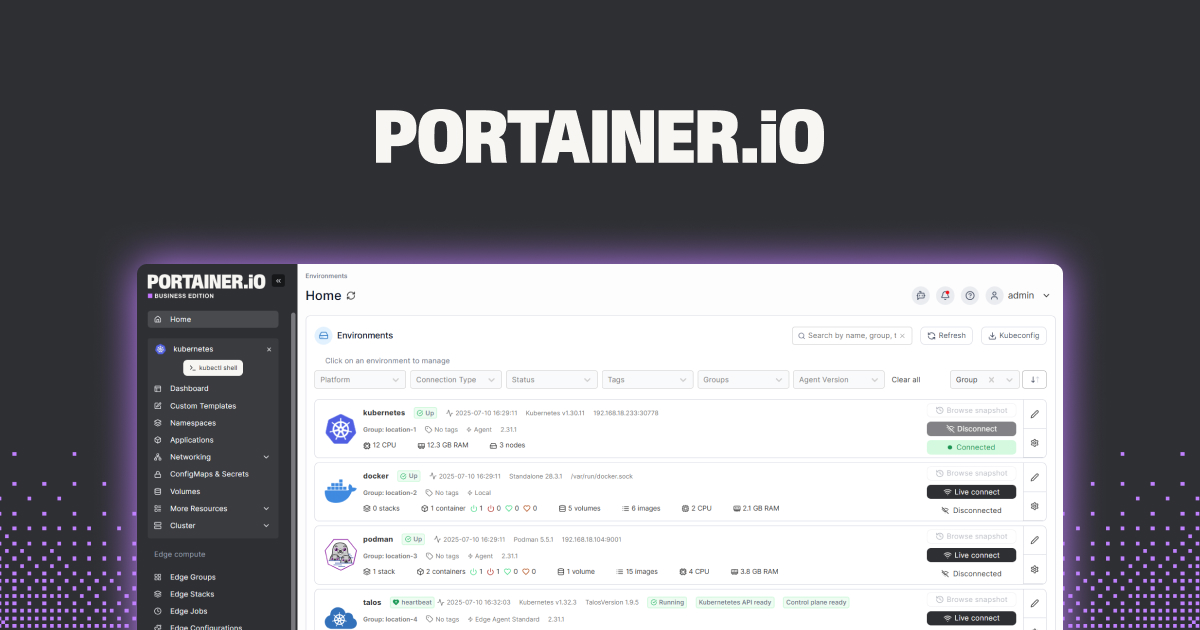
Portainer is the web UI most people already run over Docker at home, and inside a Debian VM on Pimox it becomes the workload manager the Pi cluster actually uses day to day. Proxmox provides the isolation, the VM provides the kernel, Portainer provides the point-and-click. That split makes it safe to snapshot the whole Docker stack before an update.
Where it falls short: Portainer’s UI over ARM64 is the same as x86, but a few third-party stack templates only ship amd64 images and fail to pull.
Pricing:
- Free: Fully free Community Edition.
- Paid: Business Edition, free for up to 3 nodes, then from about $999/yr.
Platforms: Debian, Ubuntu, Raspberry Pi OS. Runs as a container itself.
Download: portainer.io · github.com/portainer/portainer
Bottom line: Layer Portainer inside a Proxmox VM instead of on the host, so the Docker mess never sits next to the hypervisor.
6. Home Assistant OS in a Pimox VM — Best smart-home workload
Home Assistant OS in a Pimox VM is the highest-value single reason to put Proxmox on a Pi 5. Home Assistant on bare metal has always been fine on a Pi, but a VM lets you snapshot before an add-on install, roll back a bad update in seconds, and pass through a Zigbee stick without wiring gymnastics. Home Assistant OS’s own qcow2 image drops straight into Proxmox.
Where it falls short: USB passthrough for Zigbee and Z-Wave needs a couple of Proxmox config lines. Once set, it survives reboots.
Pricing:
- Free: Fully free.
- Paid: None.
Platforms: Runs as a guest inside Pimox.
Download: home-assistant.io/installation/generic-x86-64 (ARM64 qcow2 available from the same page).
Bottom line: The workload that turns “Proxmox on a Pi is neat” into “Proxmox on a Pi is worth it”.
7. Tailscale on Pi 5 — Best remote access
Tailscale puts every Pi in the cluster on a mesh network with no port forwarding and no reverse proxy on the router. Reaching the Proxmox web UI from a laptop across town is a MagicDNS name and a click. Subnet routing lets the cluster’s private VLAN show up on your phone too, which is what makes an away-from-home look feel local.
Where it falls short: Auth keys expire on the free plan by default. Set an ephemeral key policy or the cluster falls off Tailscale on the least convenient day.
Pricing:
- Free: Fully free for up to 100 devices.
- Paid: Team from $6/user/mo for admin controls and SSO.
Platforms: Debian, Ubuntu, Raspberry Pi OS.
Download: tailscale.com · github.com/tailscale/tailscale
Bottom line: The remote-access layer that pairs with Pimox better than a public IP ever will.
How to pick the right one
- If you want the real Proxmox UI: Debian 12 plus Pimox on a Pi 5 with NVMe.
- If Proxmox is overkill for a single Pi: Cockpit on Debian, add cockpit-machines for VMs.
- If everything you run is a container: Incus instead of Pimox.
- If Home Assistant is the reason for the Pi: Home Assistant OS as a Pimox guest with a Zigbee stick passed through.
- If you need to reach the Pi from outside the house: Tailscale on every node.
FAQ
Is Proxmox VE officially supported on Raspberry Pi 5?
No. Proxmox Server Solutions supports x86 only. The Pi install comes from the community Pimox project, which packages Proxmox VE for ARM64 on Debian.
Do I need an NVMe HAT to run Proxmox on a Pi 5?
Not strictly. A quality microSD boots and runs Pimox for light workloads. NVMe is what makes VMs feel like a real hypervisor, and it also stops the SD write endurance from being the failure mode.
Can a Pi 5 join an x86 Proxmox cluster?
Yes, at the cluster protocol level. What you cannot do is live-migrate a VM between ARM and x86 because the guest architectures differ. Cold migration and per-host workloads work fine.
How much RAM does Pimox itself use on a Pi 5?
The management layer sits under a gigabyte at idle. A Pi 5 with 8 GB comfortably runs Pimox plus Home Assistant OS and a small utility VM. The 16 GB model gives real headroom for a third workload.
What is the difference between Pimox and Proxmox VE?
Pimox is the same Proxmox VE web UI, API, and CLI, repackaged for ARM64 by the community. Upgrades lag the upstream by a few weeks. Everything else looks and behaves the same.