A recent XDA writeup on building a “central AI hub” with Open WebUI captured why the project blew up in 2024 and 2025: a single browser tab that connects to Ollama, llama.cpp, OpenAI-compatible endpoints, and your own MCP servers, all on hardware you own. Open WebUI does this very well, but the trade-offs show up fast. Docker-first setup, a settings panel that grew faster than its docs, and a roadmap focused on RAG and pipelines rather than on power-user shortcuts. If any of that has you looking around, these Open WebUI alternatives cover most of what you came for.
We tried 7 Open WebUI alternatives across Windows, macOS, and Linux in 2026. The picks below span native desktop apps with no containers, server-style web UIs that you can self-host the same way Open WebUI runs, and developer-focused frontends that lean harder into multi-model workflows.
Quick comparison
| App | Best for | Install | Open source | Local LLM support |
|---|---|---|---|---|
| LM Studio | Plug-and-play local chat | Native installer | No (free) | Yes, built-in |
| Jan | Open-source LM Studio | Native installer | Yes (AGPL) | Yes, built-in |
| AnythingLLM | Document RAG with agents | Native or Docker | Yes (MIT) | Yes, multi-backend |
| Text Generation WebUI | Power-user model tinkering | Python or Docker | Yes (AGPL) | Yes, deep |
| GPT4All | Lightweight desktop chat | Native installer | Yes (MIT) | Yes, built-in |
| LibreChat | Multi-provider unified inbox | Docker | Yes (MIT) | Through Ollama bridge |
| Big-AGI | Sleek browser UI for any API | Native or Docker | Yes (MIT) | Through any OpenAI-compatible server |
Why people swap out Open WebUI
Open WebUI is the default recommendation for a reason, but a few patterns keep showing up in the discussions.
- Setup friction. Compose files, reverse proxies, GPU passthrough flags. The “5-minute setup” rarely lands in five minutes.
- No native desktop app. Everything lives in the browser. Some workflows want a real window, a dock icon, and keyboard shortcuts that don’t fight with Chrome.
- RAG-first roadmap. Pipelines, knowledge bases, and document workflows are the focus. Faster single-shot chat with a fresh model is sometimes harder than it should be.
- Settings sprawl. The admin panel keeps growing. Picking the right model, role, and tool combination has more clicks than power users want.
- Mobile experience. It works, but it doesn’t feel as polished as the native apps in this category.
The alternatives
LM Studio — Best for plug-and-play local chat
LM Studio is the easiest way to run local LLMs on a desktop in 2026. Download an installer, browse models by name, click Download, click Load, and start chatting. The built-in OpenAI-compatible server lets other apps talk to your local stack the same way Open WebUI exposes its API. The 0.3.x branch added MLX backend support on Apple Silicon and Llama.cpp updates that close most of the speed gap to bare metal.
Where it falls short: Closed source, even though it is free. Document RAG features are lighter than Open WebUI’s pipelines. No serious multi-user story.
Pricing:
- Free: yes, for personal use; commercial use needs the LM Studio for Work plan
- Paid: LM Studio for Work, custom pricing
- vs Open WebUI: simpler, more native, less extensible
Migrating from Open WebUI: Repoint your existing OpenAI-API clients at http://localhost:1234/v1. Bring your GGUF models over by dropping them in LM Studio’s models folder; it picks them up on next launch.
Download: LM Studio (Windows, macOS, Linux)
Bottom line: Pick this when you want a desktop app that does the local LLM thing without a Docker tutorial.
Jan — Best open-source LM Studio
Jan is the open-source answer to LM Studio. Native Electron app, model browser, local server, all under an AGPL license that lets you audit and fork the whole stack. The team shipped MCP client support in 2025, so external tool servers work without leaving the app. Threads sync to disk as plain JSON, which makes backup trivial.
Where it falls short: Smaller model catalog than LM Studio. Performance on Windows lags a step behind the macOS build. UI rough edges show up when you push past basic chat.
Pricing:
- Free: yes, AGPL
- Paid: no
- vs Open WebUI: closer to a real desktop app, less server-grade
Migrating from Open WebUI: Drop your GGUF files into ~/jan/models/. If you used Ollama under Open WebUI, point Jan at the Ollama endpoint as a remote model provider rather than re-downloading everything.
Download: Jan (Windows, macOS, Linux)
Bottom line: Pick this when you want LM Studio’s experience with open-source code you can read.
AnythingLLM — Best for document RAG with agents
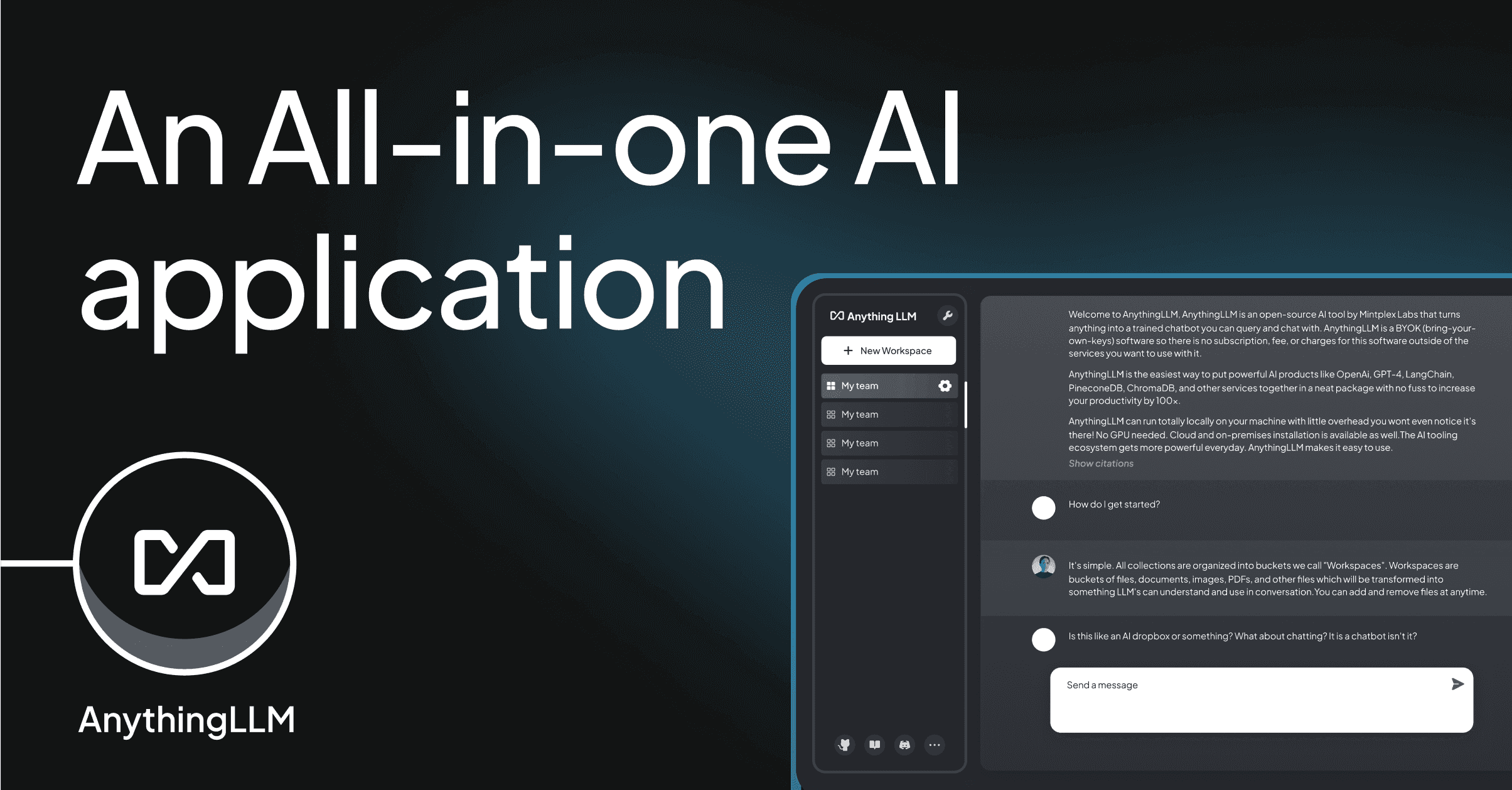
AnythingLLM is closest in spirit to Open WebUI: a self-hosted workspace where you connect a model backend (Ollama, LM Studio, OpenAI, Azure, others), upload documents, and chat with them. The agent runtime supports tools, plugins, and web browsing out of the box. The native desktop build skips Docker entirely while keeping the Docker variant for team deployments.
Where it falls short: UI shows the open-source seams more than Open WebUI’s. Vector store choices push toward LanceDB; swapping is possible but not painless. Tool authoring uses a custom JS runtime rather than MCP.
Pricing:
- Free: yes, MIT license
- Paid: AnythingLLM Cloud, $50/mo team plan
- vs Open WebUI: similar RAG focus, easier desktop install, smaller plugin pool
Migrating from Open WebUI: Export your knowledge base documents and re-ingest them into AnythingLLM workspaces. Existing Ollama installs plug in with a single endpoint setting.
Download: AnythingLLM (Windows, macOS, Linux)
Bottom line: Pick this when you want Open WebUI’s document workflow without the container management.
Text Generation WebUI — Best for model tinkering
Text Generation WebUI (oobabooga) is the project that started serious local LLM frontends. The interface is dense by design: every sampler, every quant flag, every loader is a knob you can turn. Newer features like instruction templates and chat memory landed in 2025, but the appeal is still the depth, not the polish.
Where it falls short: Setup is a Python install dance. UI is functional, not pretty. RAG and document workflows are an afterthought compared to Open WebUI.
Pricing:
- Free: yes, AGPL
- Paid: no
- vs Open WebUI: deeper model control, lighter on workspace features
Migrating from Open WebUI: Reuse your Ollama or llama.cpp model files directly. Most of your prompt templates copy over without changes; the sampler defaults are stricter, so re-tune them after the first generation looks off.
Download: Text Generation WebUI on GitHub
Bottom line: Pick this when you want the most knobs on your local model stack and you’re fine reading a wiki to find them.
GPT4All — Best for lightweight desktop chat
GPT4All runs a curated catalog of small-to-medium models on consumer hardware with near-zero setup. The Nomic team focused on CPU performance, so the app actually runs on a five-year-old laptop. Local docs feature (“LocalDocs”) indexes folders for retrieval without the database management Open WebUI demands.
Where it falls short: Model catalog is smaller than the broader Hugging Face universe. No MCP support yet. Agents and tool use are not in scope.
Pricing:
- Free: yes, MIT for the client
- Paid: GPT4All Cloud for teams, custom pricing
- vs Open WebUI: lighter, narrower, easier
Migrating from Open WebUI: Bring your GGUF files into GPT4All’s models directory. The LocalDocs feature replaces basic Open WebUI knowledge bases; bigger collections should stay on AnythingLLM.
Download: GPT4All (Windows, macOS, Linux)
Bottom line: Pick this when you want local chat on a laptop without GPU plans.
LibreChat — Best for multi-provider unified inbox
LibreChat is a self-hosted ChatGPT-style frontend that fronts every major provider plus local backends. The 2025 releases added agents, code interpreter via sandboxes, and proper conversation forking. It plugs into Ollama with a single env var if you want the local-only setup Open WebUI normally fills.
Where it falls short: Heavier server install than Jan or LM Studio. MongoDB dependency is non-negotiable. Document RAG exists but Open WebUI’s pipelines are still ahead.
Pricing:
- Free: yes, MIT
- Paid: no, self-host only
- vs Open WebUI: more provider integrations, less polished pipeline workflow
Migrating from Open WebUI: Point LibreChat’s OLLAMA_HOST at the same endpoint. Conversations don’t transfer; either keep both running in parallel during a switch, or export Open WebUI chats to markdown.
Download: LibreChat on GitHub
Bottom line: Pick this when you talk to five providers a day and want a single inbox for all of them.
Big-AGI — Best sleek browser UI for any API
Big-AGI is the frontend a lot of devs end up with when they tire of Open WebUI’s admin panel. The interface is fast, the prompt library is built in, and the OpenAI-compatible backend means it works with anything that speaks that API, including Ollama. The 2.x branch added Beam (parallel response comparison) and proper attachments.
Where it falls short: No first-party agent runtime. RAG is not the focus. Multi-user support is minimal compared to Open WebUI.
Pricing:
- Free: yes, MIT
- Paid: no
- vs Open WebUI: cleaner UI, fewer team features
Migrating from Open WebUI: Drop your OpenAI-compatible endpoints into Big-AGI’s settings. Models and conversations stay separate, so plan a transition window if you don’t want to lose old threads.
Download: Big-AGI on GitHub
Bottom line: Pick this when you want a fast frontend for the Ollama or LM Studio server you’re already running.
How to choose
Pick LM Studio if you want a one-click local LLM setup and don’t care that it’s closed source. Pick Jan if you need the same thing but open. Pick AnythingLLM when document RAG and a workspace model match what you built Open WebUI for. Pick Text Generation WebUI if you tune samplers for a living and the dense UI doesn’t bother you. Pick GPT4All on a laptop where Docker isn’t worth running. Pick LibreChat if your day involves more cloud providers than local models. Pick Big-AGI when you already have a local LLM server and you just want a faster, cleaner browser UI in front of it.
Stay on Open WebUI if your stack already lives in a homelab Compose file and your team relies on its pipelines and knowledge bases. None of the alternatives here clear Open WebUI’s bar on multi-user workspaces and document workflows at the same time.
FAQ
What is the best alternative to Open WebUI?
LM Studio is the best alternative for most desktop users. It runs natively, has no Docker requirement, and matches Open WebUI for chat quality. Choose Jan if you want the same experience under an open-source license, or AnythingLLM if document RAG was your main reason to run Open WebUI.
Is there a free Open WebUI alternative?
Yes. Jan, AnythingLLM, Text Generation WebUI, GPT4All, LibreChat, and Big-AGI are all free and open source. LM Studio is closed source but free for personal use.
Can I use my Ollama models with these alternatives?
Most of them, yes. LM Studio runs its own backend but reads the same GGUF files. AnythingLLM, LibreChat, Big-AGI, and Text Generation WebUI all support Ollama as a remote backend through a single endpoint setting.
Which Open WebUI alternative runs without Docker?
LM Studio, Jan, GPT4All, and AnythingLLM (desktop build) all install as native apps. Text Generation WebUI runs via Python without containers but still wants a virtualenv.
What’s the best Open WebUI alternative for low-end hardware?
GPT4All. It is CPU-optimized and ships with smaller default models tuned for laptops without a discrete GPU. Jan is the second pick if you want open source.