Proton Authenticator broke a strange status quo: until 2026, neither Google Authenticator nor Microsoft Authenticator had a desktop client. Proton’s free, end-to-end encrypted, cross-platform app fixed that for Windows, macOS, and Linux users, and the open-source codebase made it a credible default. If you’ve already moved to it from Google Authenticator, you might also be wondering what the realistic alternatives look like for desktop 2FA.
These seven Proton Authenticator alternatives all run as full desktop clients on at least Windows, macOS, or Linux. They span password managers with built-in 2FA, open source community projects, and the dedicated authenticator apps that compete head-on with Proton’s offering.
Quick comparison
| App | Best for | Platforms | Free plan | Starting price | Standout feature |
|---|---|---|---|---|---|
| Bitwarden | Password manager with built-in TOTP | Win, Mac, Linux | Yes | $10/yr (Premium) | Open source server option |
| KeePassXC | Local-only encrypted vault | Win, Mac, Linux | Yes | Free | Pure local-first vault |
| 1Password | Polished commercial vault | Win, Mac, Linux | No | $35.88/yr | Travel Mode and Watchtower |
| Ente Auth | Open source dedicated 2FA | Win, Mac, Linux | Yes | Free | E2E sync, separate from vault |
| Yubico Authenticator | Hardware key TOTP | Win, Mac, Linux | Yes | Free | Codes stored on YubiKey |
| 2FAS | Free open source 2FA | Win, Mac, Linux (web) | Yes | Free | Browser extension companion |
| Vaultwarden | Self-hosted Bitwarden server | Win, Mac, Linux | Yes | Free | Run your own instance |
Why look beyond Proton Authenticator
Proton Authenticator is genuinely good. The free price, the end-to-end encrypted sync across devices, the open source code, and the cross-platform desktop support together fix a real problem. The trade-off is that it’s a dedicated 2FA app and nothing else. If you already pay for a password manager with TOTP support, Proton Authenticator becomes one more app for a job your vault could do. If you don’t trust any cloud sync at all, even encrypted, you might want a local-first or self-hosted option. If you care about hardware-key 2FA codes specifically, you’ll want a tool that integrates with a YubiKey.
The seven apps below cover those scenarios.
The alternatives
Bitwarden — best for password manager with built-in TOTP
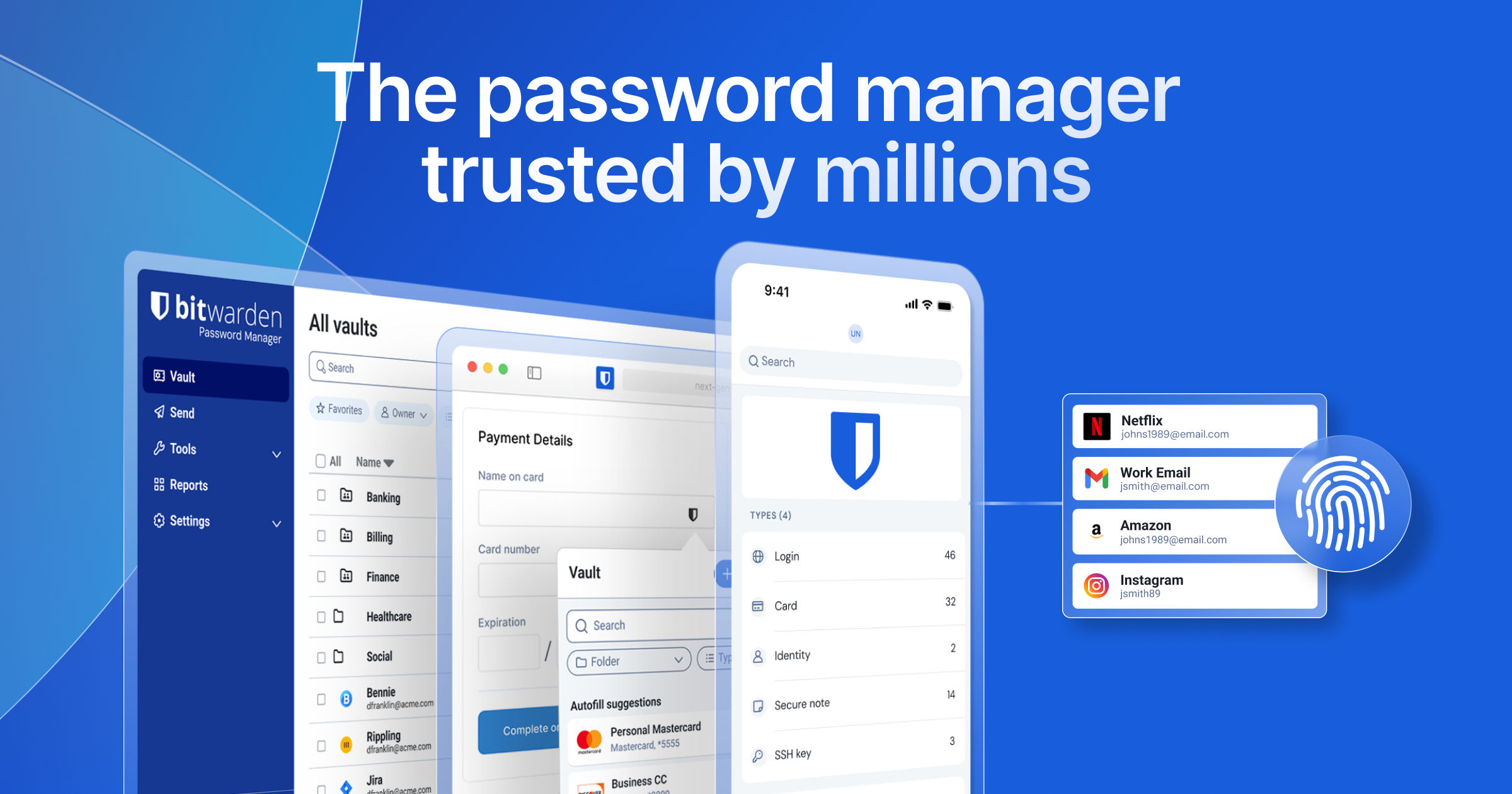
Bitwarden is the most-recommended open source password manager, and Premium accounts ($10 a year) include built-in TOTP code generation alongside passwords and passkeys. The desktop client runs natively on Windows, macOS, and Linux, the mobile and browser companions stay synced through the official cloud, and the codebase is open source for anyone who wants to verify the security model.
Where it falls short: TOTP codes live alongside passwords, which is precisely what some security guides advise against. Splitting your second factor from your first means a single compromise can’t take down both.
Pricing:
- Free: full password manager, passkeys, no TOTP
- Premium: $10 a year for TOTP, advanced reports, file attachments
vs Proton Authenticator: more features per dollar, but a single point of compromise if the vault leaks.
Migrating from Proton Authenticator: Bitwarden’s import supports authenticator app exports through manual entry per account. There’s no one-click Proton Authenticator importer.
Download: Official site
Bottom line: pick this if you want one app for everything and are comfortable putting passwords and TOTP codes in the same vault.
KeePassXC — best for local-only encrypted vaults
KeePassXC is the open source desktop password manager that never touches the cloud unless you ask it to. The encrypted vault file lives on your disk. Sync, if you want it, happens through Syncthing, OneDrive, Dropbox, or any file-level service of your choosing. Built-in TOTP support means it covers second-factor codes alongside passwords.
Where it falls short: no built-in cloud sync. Mobile use requires the third-party Keepass2Android or Strongbox apps and your own sync solution.
Pricing: Free.
Platforms: Windows, macOS, Linux.
vs Proton Authenticator: more control, less convenience. You manage the vault file and the sync yourself.
Migrating from Proton Authenticator: export from Proton Authenticator as plain text or QR codes, then import each into KeePassXC. No one-click migration.
Download: Official site
Bottom line: pick this if you want a local-first vault you control end to end and don’t mind setting up your own sync.
1Password — best for polished commercial vault
1Password is the polished, paid-only commercial alternative. The native desktop apps on Windows, macOS, and Linux are the best in the category, the Watchtower feature actively warns about leaked credentials, and Travel Mode hides sensitive vaults at border crossings. Built-in TOTP support covers second-factor codes.
Where it falls short: no free tier, the closed-source approach won’t suit privacy purists, and the price is the highest on this list.
Pricing: $35.88 a year individual, $59.88 a year families.
Platforms: Windows, macOS, Linux. Mobile and browser clients all available.
vs Proton Authenticator: more polished, broader feature set, paid only.
Migrating from Proton Authenticator: 1Password’s import supports Authenticator app export formats; expect to do manual per-account entry for TOTP.
Download: Official site
Bottom line: pick this if you want the most polished commercial option and price isn’t the deciding factor.
Ente Auth — best for open source dedicated 2FA
Ente Auth is the closest direct competitor to Proton Authenticator. Ente built it as a dedicated 2FA app with end-to-end encrypted sync, open source code, and free pricing. The desktop client runs on Windows, macOS, and Linux, the mobile clients are mature, and the design philosophy mirrors Proton’s: do one thing, do it encrypted, charge nothing.
Where it falls short: smaller user base than Proton, and the broader Ente ecosystem (Ente Photos) means the company’s attention is split.
Pricing: Free.
Platforms: Windows, macOS, Linux, iOS, Android.
vs Proton Authenticator: feature-equivalent for most users, with a different ecosystem story.
Migrating from Proton Authenticator: Ente Auth supports importing from most authenticator app export formats including Aegis, Raivo, and Authy. Proton Authenticator’s encrypted export works through standard formats.
Download: Official site
Bottom line: pick this if you want a direct competitor to Proton Authenticator and prefer Ente’s ecosystem.
Yubico Authenticator — best for hardware key TOTP
Yubico Authenticator is the official Yubico app that stores TOTP secrets directly on a YubiKey rather than on your device. The desktop app on Windows, macOS, and Linux reads codes from the connected key. The security model is fundamentally different: lose the key, lose access; possess the key, possess all your codes.
Where it falls short: requires a YubiKey hardware token (around $50 for YubiKey 5 NFC). If you don’t have a YubiKey, this app does nothing.
Pricing: Free (the app). The YubiKey hardware is $50 to $70 depending on model.
Platforms: Windows, macOS, Linux.
vs Proton Authenticator: hardware-bound security, requires a YubiKey.
Migrating from Proton Authenticator: each TOTP secret needs to be transferred to the YubiKey through scanning the original QR or entering the secret. Not automated.
Download: Official site
Bottom line: pick this if you already use a YubiKey for FIDO2 and want hardware-bound TOTP.
2FAS — best for free open source 2FA
2FAS is the free open source authenticator built around a mobile app, a browser extension, and a web client that can be opened from any desktop. The mobile-first design means it’s at its best when you have a phone nearby and just want browser auto-fill of codes. The cloud sync uses end-to-end encryption.
Where it falls short: no native desktop client. The web vault works on any desktop browser, but it’s not a packaged application.
Pricing: Free.
Platforms: iOS, Android, browser extensions for Chrome, Firefox, Edge, Safari.
vs Proton Authenticator: lighter, mobile-first, no native desktop app.
Migrating from Proton Authenticator: 2FAS supports several authenticator app export formats; expect manual per-account migration for Proton Authenticator exports.
Download: Official site
Bottom line: pick this if you prefer mobile-first 2FA with a browser extension for desktop convenience.
Vaultwarden — best for self-hosted Bitwarden compatibility
Vaultwarden is the unofficial open source Bitwarden-compatible server you can run on your own hardware. The Bitwarden desktop, mobile, and browser clients all connect to a Vaultwarden server with no functional difference. TOTP support, sync, and account management all work as expected.
Where it falls short: not an app you “install” in the consumer sense. You’re running a server, which means a Raspberry Pi, a NAS, or a VPS, plus a domain and certificates.
Pricing: Free.
Platforms: any host that runs Docker (which covers Windows, macOS, Linux).
vs Proton Authenticator: you control the data layer entirely. Higher setup cost.
Migrating from Proton Authenticator: same as Bitwarden migration. Vaultwarden is the server, the Bitwarden clients are the front end.
Download: Vaultwarden on GitHub
Bottom line: pick this if you want Bitwarden’s UX but don’t want any third party (including Bitwarden Inc.) holding the encrypted vault.
How to pick
If you want one app for passwords and 2FA codes and you trust your vault, Bitwarden at $10 a year is the value pick.
If you want a dedicated 2FA app that mirrors Proton Authenticator’s philosophy, Ente Auth is the closest single match.
If you want to keep your vault entirely local with no cloud, KeePassXC is the right pick.
If you already use a YubiKey, Yubico Authenticator is the obvious complementary install.
If you’re hosting your own infrastructure, Vaultwarden with the Bitwarden clients is the strongest combination.
Stay on Proton Authenticator if you’re already in the Proton ecosystem (Mail, VPN, Drive). The single account, the consistent design language, and the encrypted sync mean Proton’s stack works as one product.
FAQ
Is Bitwarden’s built-in authenticator as secure as Proton Authenticator? Both use end-to-end encrypted sync. Bitwarden’s risk is that passwords and TOTP codes live in the same vault, which violates the spirit of two-factor authentication if the vault is compromised. Proton Authenticator is dedicated to 2FA only.
Can I export from Proton Authenticator? Yes. Proton Authenticator supports encrypted and plain-text exports, plus QR-code transfer for individual accounts.
Does Google Authenticator have a desktop app? No. Google Authenticator remains mobile-only as of mid-2026.
What is the best free Proton Authenticator alternative? Ente Auth is the closest free alternative with a dedicated desktop client. KeePassXC is the best free pick if you want passwords and TOTP in one local vault.
Is it safe to keep 2FA codes in a password manager? Most security guidance says no, because a single vault compromise then defeats two-factor authentication. The convenience argument is real, but the security argument against it is also real. Dedicated 2FA apps remain the recommended default.