Unsloth Desktop landed in August 2026 as the first app from the Unsloth team to sit on the same laptop the researchers use, rather than in a Colab notebook. The pitch is direct: run the Dynamic GGUFs Unsloth already ships, fine-tune those models without leaving the app, and hit a local API that Claude Code or Codex can talk to. On a MacBook with 32 GB of unified memory it works. On a small Windows laptop with a 4060 mobile it still works, just with smaller models.
Unsloth Desktop is not the only game in town, though. Seven alternatives cover the same “local LLM on your desktop” ground with different priorities: fastest first-run, best server mode, best document chat, best fine-tuning story. These are the ones we still keep installed after running the Unsloth beta for two months.
Quick comparison
| App | Best for | License | Hardware floor | Serves an API |
|---|---|---|---|---|
| LM Studio | The shortest path to chatting | Proprietary (free) | 8 GB RAM | Yes, OpenAI-compatible |
| Ollama | Terminal-first and scripting | MIT | 8 GB RAM | Yes, OpenAI-compatible |
| AnythingLLM | Chat with your own documents | MIT | 8 GB RAM | Yes |
| Jan | Fully open source with a GUI | AGPL | 8 GB RAM | Yes |
| GPT4All | Air-gapped offline chat | MIT | 4 GB RAM | Yes |
| Open WebUI | Best browser front end on top of Ollama | MIT | Any (needs an inference server) | Yes |
| Msty | Multi-provider chat and knowledge stacks | Proprietary (free tier) | 8 GB RAM | No native server |
Why people leave Unsloth Desktop
Nothing here is a Unsloth-is-broken complaint. It’s beta software as of writing, and the pain points reflect that.
The download is heavy the first time. Bundling llama.cpp, the Unsloth runtime, and a curated model catalog means the initial install pulls several gigabytes even before you download a model.
Windows support is newer than Mac. The macOS build has been in the wild longest, and the changelog shows more Windows-specific fixes landing every release. On a Windows machine with an older NVIDIA driver stack, expect one or two false starts.
The fine-tune flow assumes some ML fluency. Kicking off a QLoRA fine-tune is easier than it used to be, but the wizard still exposes learning rate, rank, and dataset format choices most people don’t want to see. Unsloth Studio (the notebook flavour) is the friendlier landing for that.
Serving to a hosted client (Claude Code, Codex) works, but is not one click. You set up the port, choose the model, and copy the endpoint into the client’s config. Fine for a developer, extra friction for a hobbyist.
There is no phone client. The web search and Deep Research features live in the desktop app; there is no companion iOS or Android app that hits the same endpoint.
The alternatives
LM Studio – Best for the shortest first-run
LM Studio is the one to install first if you’ve never run a local model before. Search a model in the built-in browser, click Download, click Load, and there’s a chat window waiting. It also runs an OpenAI-compatible server on port 1234 that Claude Code, Cursor, and dozens of other tools can point at. Model catalog is Hugging Face-integrated and keeps up with weekly releases.
Where it falls short: Proprietary and closed-source. No fine-tuning inside the app. On Linux the AppImage lags behind macOS and Windows builds by a release or two.
Pricing:
- Free for personal use; paid Workplace tier for commercial use
- vs Unsloth: friendlier GUI, no fine-tune story, similar inference speed on the same models
Migrating from Unsloth: Point LM Studio at your existing GGUF folder and it discovers them. Chat history does not transfer.
Bottom line: Pick LM Studio when the goal is “chat with a good model tonight” and you’ll worry about fine-tuning another day.
Ollama – Best for terminal-first developers
Ollama is the tool developers reach for when a script needs a local LLM. It runs as a background service, exposes an OpenAI-compatible API on port 11434, and its ollama pull qwen3:8b command is muscle memory across half of Hacker News. The library covers 4,500+ models with sensible quant defaults.
Where it falls short: No first-party chat GUI (you pair it with Open WebUI or a client of your choice). Slower to adopt bleeding-edge quant formats than Unsloth or LM Studio.
Pricing:
- Free, MIT-licensed
- vs Unsloth: better scripting story, worse for the “one app that does everything” goal
Migrating from Unsloth: Serve GGUFs from Unsloth via its API and point Ollama-shaped clients at Ollama when running locally; no history transfer.
Bottom line: Pick Ollama when a shell script or an IDE plugin is going to be the primary consumer.
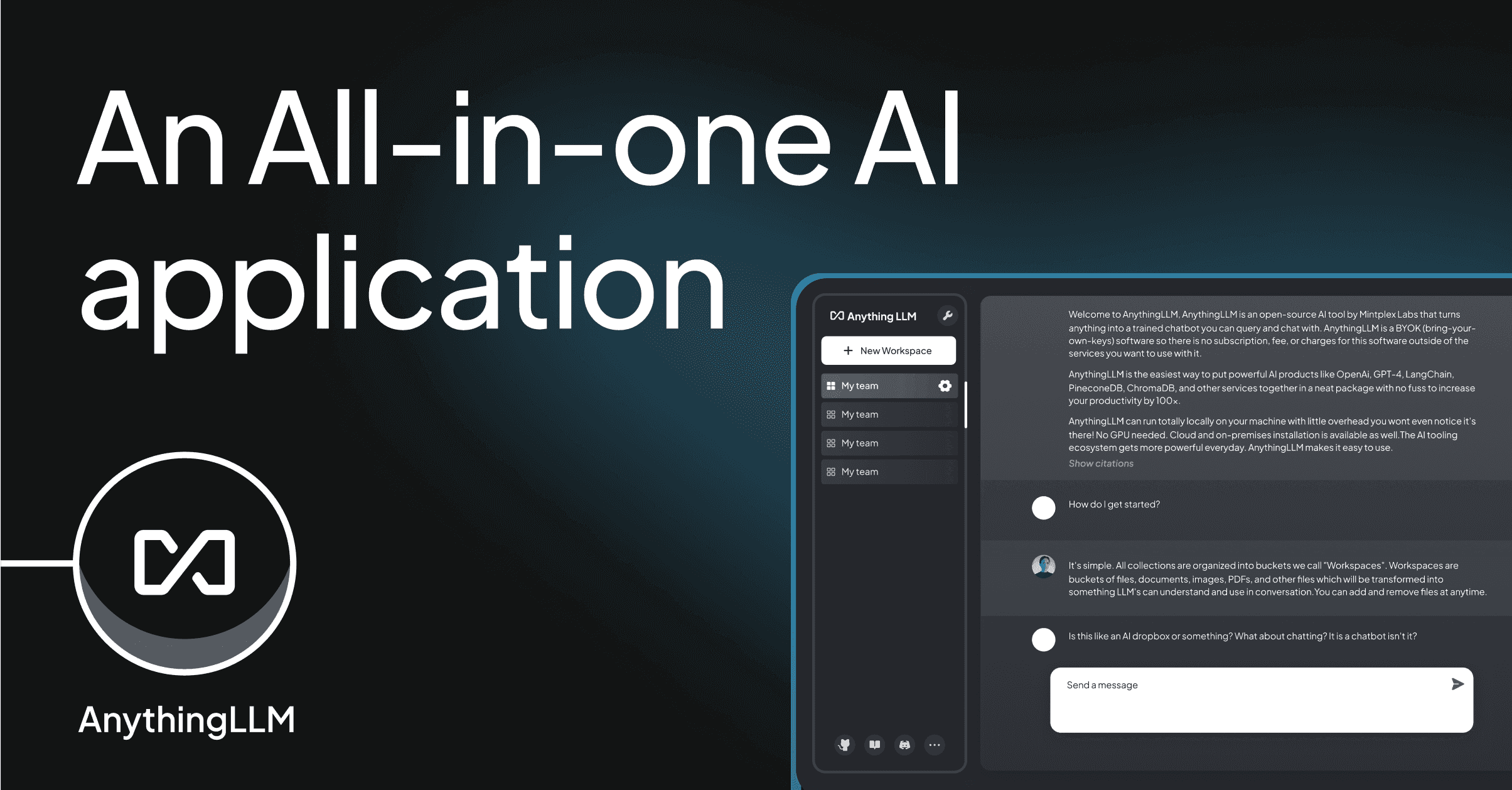
AnythingLLM – Best for chatting with your own documents
AnythingLLM is the pick when your local LLM is mostly there to answer questions about a folder of PDFs, a Confluence export, or a code repository. It ships a proper RAG pipeline: chunking, embeddings, and a vector store you don’t have to wire up yourself. It plugs into Ollama, LM Studio, OpenAI, and Anthropic as inference backends, so you can start local and switch when you outgrow the hardware.
Where it falls short: Set-up is more involved than a chat-only tool. The Desktop build is Electron; RAM use during large ingests can spike.
Pricing:
- Free, MIT self-hosted
- vs Unsloth: purpose-built for documents, weaker for casual chat
Migrating from Unsloth: Feed Unsloth-served models into AnythingLLM as an OpenAI-compatible backend; documents index inside AnythingLLM.
Bottom line: Pick AnythingLLM when the killer use case is a private research assistant.
Jan – Best fully open-source GUI
Jan is the closest match to LM Studio’s ease of use, without the closed-source caveat. It’s an AGPL desktop app that runs GGUF and MLX models locally, serves an OpenAI-compatible API, and supports Hugging Face model download and a growing extension system. The recent releases added chat with attachments and per-conversation model overrides.
Where it falls short: The extension ecosystem is smaller than LM Studio’s. Model browser occasionally misses newly-released quants.
Pricing:
- Free, AGPL
- vs Unsloth: similar breadth, no fine-tune UI
Migrating from Unsloth: Share the same GGUF folder or download from Hugging Face directly. Chat history uses a portable JSON format.
Bottom line: Pick Jan when the license matters and you still want a GUI-first experience.
GPT4All – Best for fully offline use
GPT4All stays the strongest dedicated air-gapped option. It bundles a curated model list, downloads them once, and never talks to the network again after that. Small models run happily on a 4 GB RAM machine, which makes it the tool to keep on a laptop that spends time on planes or in the field.
Where it falls short: Model catalog is smaller than LM Studio’s or Ollama’s. Extra features (agents, plugins) are limited.
Pricing:
- Free, MIT
- vs Unsloth: lower hardware floor, fewer bells and whistles
Migrating from Unsloth: Copy GGUFs into GPT4All’s models directory; app discovers them on next launch.
Bottom line: Pick GPT4All on the offline laptop and let Unsloth or LM Studio own the workstation.
Open WebUI – Best browser front end over an existing server
Open WebUI is a browser-based chat UI that sits on top of Ollama, LM Studio, or any OpenAI-compatible endpoint. It adds multi-user accounts, chat history sync, RAG on top of uploaded files, and a plugin system that looks a lot like ChatGPT’s. It doesn’t run models itself, which is exactly what makes it useful as a household or homelab front-end.
Where it falls short: Requires a separate inference server. Setup is Docker-first and can be daunting for non-technical users.
Pricing:
- Free, MIT
- vs Unsloth: complementary; use Unsloth or Ollama as the backend
Migrating from Unsloth: Point Open WebUI at your Unsloth API endpoint; chat history stays inside Open WebUI’s database.
Bottom line: Pick Open WebUI as the household web front end and let Unsloth or Ollama do the inference.
Msty – Best for stacking local and cloud providers
Msty is the “one chat, many providers” pick. It talks to local Ollama and LM Studio, remote OpenAI, Anthropic, Groq, OpenRouter, and any custom endpoint, and it does knowledge stacks (its RAG feature) across all of them. The UI is polished and the split-view chat, which runs the same prompt against two models side by side, is useful for choosing between local and cloud.
Where it falls short: Free tier caps some features (unlimited knowledge stacks are paid). Not open source. No fine-tune story.
Pricing:
- Free tier with limits; paid Aurum tier around $79/year
- vs Unsloth: broader model reach, less focus on training
Migrating from Unsloth: Use Unsloth’s endpoint as a custom OpenAI-compatible provider in Msty.
Bottom line: Pick Msty when the value is comparing what local and cloud models actually give you on the same prompt.
How to choose
Pick LM Studio if you’re starting from scratch and want to be chatting in 15 minutes.
Pick Ollama if the goal is scripting or plugging local LLMs into IDE tools.
Pick AnythingLLM if the point is chatting with your own documents, not with a raw model.
Pick Jan when the GUI ergonomics of LM Studio matter but the closed source doesn’t sit right.
Pick GPT4All for the offline laptop.
Pick Open WebUI as the family or team front end that outlives whichever backend you run this year.
Stay on Unsloth Desktop when the fine-tuning story or day-zero access to Unsloth’s Dynamic GGUFs is the reason you installed it.
FAQ
Is LM Studio better than Unsloth Desktop?
For pure chat and a shorter path to a first response, yes. For fine-tuning or day-zero support for newly-released models, Unsloth is ahead.
Can I use Unsloth’s GGUFs in Ollama or LM Studio?
Yes. Unsloth publishes its Dynamic GGUFs on Hugging Face. Every tool in this list can load them.
What is the most lightweight Unsloth alternative?
GPT4All on the small end (4 GB RAM), Ollama in the middle when you don’t need a GUI.
Does any alternative support fine-tuning?
Not the way Unsloth does. Fine-tuning is Unsloth’s specialty; the alternatives here focus on inference. For fine-tuning outside Unsloth, most people move to LlamaFactory or a Colab notebook.
Can I run these alongside Unsloth?
Yes. Ollama, LM Studio, and Open WebUI cohabit fine with Unsloth on the same machine as long as each is bound to a different port.