XDA ran a test recently: give the same office tasks to Antigravity and to a local LLM setup, and see which one actually respects the files you already have. Only one did. Agentic AI is genuinely useful, but “helpful” and “will overwrite the file you spent two weeks writing” are separated by a thin permissions layer.
If you want AI agents that work on your documents locally, on your terms, without silently rewriting them, here are the seven best apps for file-safe AI agents on desktop we tested this month.
What “file-safe” means
We define file-safe as at least three of:
- Local model execution. Your file contents do not leave the machine
- Explicit tool permissions. The agent asks before writing, or writes only into a sandboxed workspace
- Read-only mode. You can force retrieval without generation
- Versioning. The tool tracks what it changed and lets you revert
- Audit trail. A log of every tool call and file access
- No cloud sync of file contents. Metadata and prompts stay local
The seven apps below hit at least three each. Two hit all six.
Quick comparison
| App | Best for | Free plan | Local models | Writes to your files |
|---|---|---|---|---|
| AnythingLLM | Local-first RAG chat | Free | Yes | Optional, sandbox by default |
| LibreChat | Multi-provider chat with local support | Free | Yes | No writes without explicit config |
| Msty | Simple offline chat with attachments | Free tier, paid Aurum $19.99 lifetime | Yes | No writes |
| Continue (VS Code) | Coding agent inside VS Code | Free | Yes | Yes, with diff preview |
| PrivateGPT | Self-hosted document Q&A | Free | Yes | No writes, read-only |
| GPT4All | Desktop chat with local docs | Free | Yes | No writes |
| LM Studio | Model runner with plugin sandbox | Free for personal, paid for commercial | Yes | Via plugins only |
| Ollama + OpenWebUI | Server + web front-end | Free | Yes | Only via configured tools |
1. AnythingLLM – Best all-around local-first setup
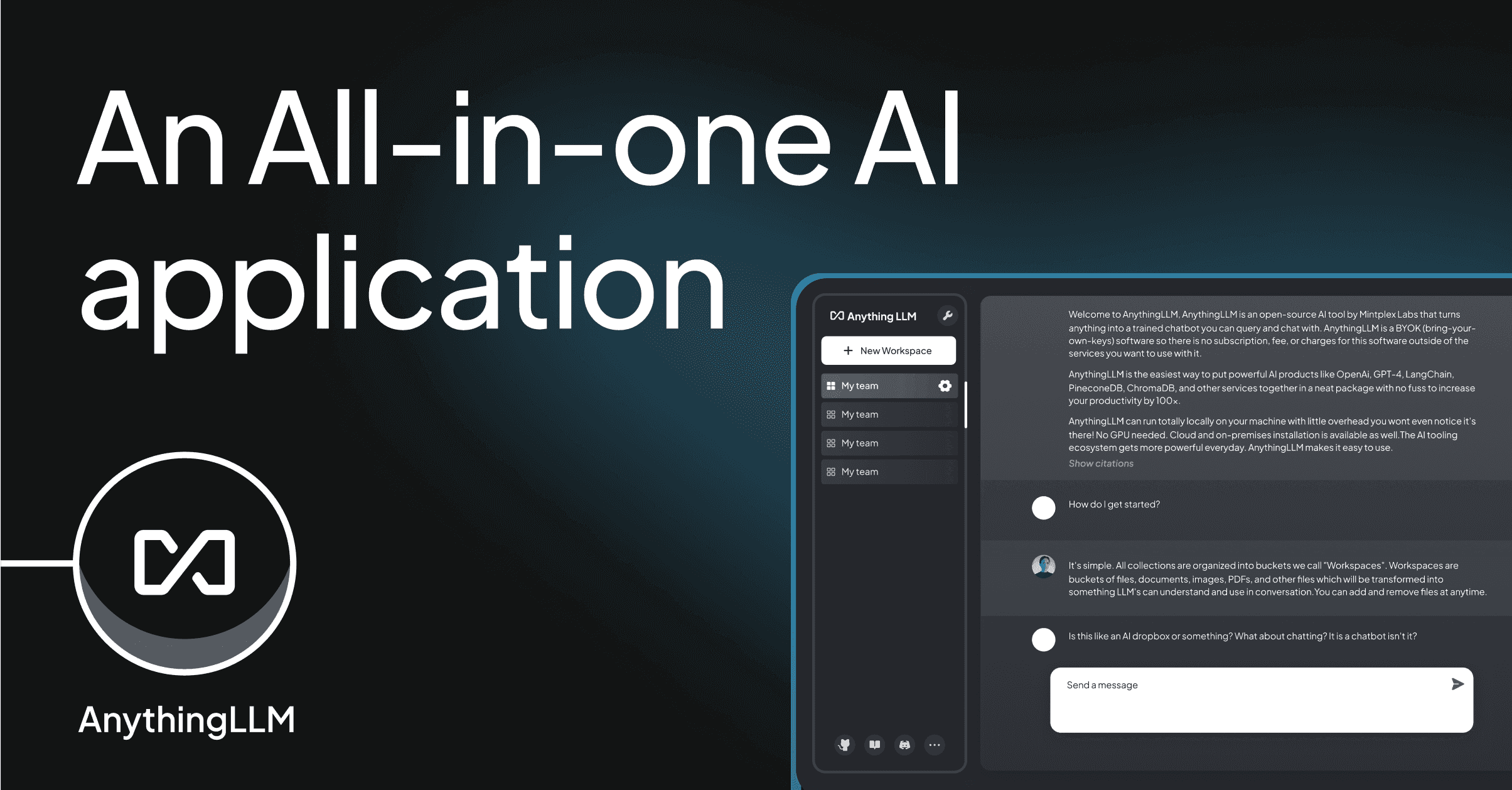
AnythingLLM is a desktop and self-hosted stack that turns folders, PDFs, and URLs into a retrieval-augmented chat. Local model support (via Ollama, LM Studio, or a bundled runtime) means files never leave your machine. Workspaces are sandboxed; if you enable agent mode, tools are opt-in per-workspace.
Where it falls short: Agent mode is newer than the RAG mode; expect faster iteration. Some enterprise features (SSO, MDM) are Cloud-only.
Pricing:
- Free desktop and self-hosted
- Cloud tier from $50/mo per workspace
Platforms: Windows, macOS, Linux, Docker
Download: AnythingLLM | GitHub
Bottom line: Best pick for a “chat over my folders, edit nothing” setup with an option to promote to agent when you trust it.
2. LibreChat – Best multi-provider chat that can also stay local
LibreChat is the open-source ChatGPT-alternative front end. It supports OpenAI, Anthropic, Google, Ollama, and any OpenAI-compatible endpoint. Configure it with local models only and file access goes only to a directory you explicitly mount.
Where it falls short: Setup is Docker-first. Non-technical users will need help with the initial config.
Pricing:
- Free, MIT license
- No paid tier
Platforms: Docker on Windows, macOS, Linux
Download: LibreChat docs | GitHub
Bottom line: Best pick if you want one UI for many providers with strict tool control.
3. Msty – Best polished offline chat
Msty is a desktop app that focuses on offline model runs with a genuinely polished UI. Split-chat lets you compare two model responses side by side. File attachments become in-chat context rather than persistent edits.
Where it falls short: Attachments are one-shot; there is no long-lived project workspace like AnythingLLM. Bundled model catalog is opinionated.
Pricing:
- Free tier: full local model use
- Aurum $19.99 lifetime for cloud sync, split-chat pro features
Platforms: Windows, macOS, Linux
Download: Msty
Bottom line: Best pick for a polished daily-driver chat that never touches your files without permission.
4. Continue – Best coding agent inside VS Code
Continue is the open-source coding agent that lives inside VS Code and JetBrains IDEs. Every proposed edit shows up as a diff preview; nothing lands on disk until you accept. Local model support via Ollama or LM Studio is first-class.
Where it falls short: No standalone app; you have to be in an IDE. Some experimental agent modes still touch the file system faster than the UI can show; keep autonomous mode off until you trust the model.
Pricing:
- Free, Apache-2 license
- Enterprise Hub for teams
Platforms: VS Code, JetBrains IDEs (Windows, macOS, Linux)
Bottom line: Best pick if the “files” you care about are code.
5. PrivateGPT – Best read-only document Q&A
PrivateGPT is a self-hosted stack whose default behavior is to answer questions from a document collection without writing to it. Ingest a folder, ask questions, get citations back to the source pages. No agent mode; no edits.
Where it falls short: Slower iteration than commercial tools. Web UI is functional, not fancy.
Pricing:
- Free, Apache-2 license
- Zylon PrivateGPT is the commercial enterprise fork
Platforms: Docker on Windows, macOS, Linux
Download: PrivateGPT | GitHub
Bottom line: Best pick when the only thing you want AI to do is read.
6. GPT4All – Best cross-platform desktop for local docs
GPT4All is Nomic’s cross-platform desktop app for running local models with a “chat with docs” feature. Point it at a folder, choose an embedding model, and ask questions. Reads only; will not modify.
Where it falls short: Model catalog is smaller than LM Studio or Ollama. No agent tooling.
Pricing:
- Free, MIT license
- Nomic Atlas for cloud embeddings is a separate product
Platforms: Windows, macOS, Linux
Bottom line: Best pick for a simple “run local, chat my docs” install with no server setup.
7. LM Studio – Best model runner with plugin sandbox
LM Studio is the go-to desktop for running local LLMs, with a built-in server, a Hugging Face model catalog, and a growing plugin system. Plugins are the only way LM Studio touches files, and each plugin can be scoped to specific directories.
Where it falls short: Personal use is free; production or commercial deployments now require a paid plan. Not open source.
Pricing:
- Free for personal use
- Team / Commercial tier by inquiry (billed monthly)
Platforms: Windows, macOS, Linux
Download: LM Studio
Bottom line: Best pick as the model backend for other apps on this list.
8. Ollama + OpenWebUI – Best final self-hosted stack
Ollama is the local model server that most other apps in this article can point at. Paired with OpenWebUI (an open-source web front-end), it becomes a self-hosted ChatGPT that never leaves your LAN. Tool permissions are configured per-user.
Where it falls short: Two moving parts (Ollama + OpenWebUI) instead of one. Requires you to enjoy running a small local server.
Pricing:
- Both free and open source
- Ollama is MIT, OpenWebUI is a BSD-inspired custom license
Platforms: Windows, macOS, Linux (Ollama); Docker for OpenWebUI
Download: Ollama | OpenWebUI | OpenWebUI GitHub
Bottom line: Best pick if you want a self-hosted ChatGPT-style UI for the whole household.
How to pick the right one
- If you want a polished daily chat that reads files but never edits: Msty
- If you want a full retrieval-augmented workspace with an optional agent: AnythingLLM
- If you want one UI for many providers with strict tool control: LibreChat
- If your files are source code: Continue in VS Code
- If you only want document Q&A: PrivateGPT or GPT4All
- If you want a self-hosted ChatGPT for a household: Ollama + OpenWebUI
- If you need the model runner other tools point at: LM Studio
FAQ
What is the safest way to let AI touch my files? Pick a tool with an explicit “preview diff before write” behavior, and only enable agent mode after you have used the chat mode for a few sessions. Continue (for code), AnythingLLM (for documents), and OpenWebUI’s Tools system all support this pattern.
Do any of these apps upload my files to the cloud? Not by default. AnythingLLM, LibreChat, Msty, Continue, PrivateGPT, GPT4All, LM Studio, and Ollama all default to local-only file handling. Some offer optional cloud sync; read the settings before enabling.
Which local model should I run? For general chat and reasoning, Llama 3.3, Qwen 3 series, and Mistral Small 3 series are all strong starting points. For code, Qwen3-Coder-Plus or DeepSeek Coder V3. Match the model size to your RAM (8 GB free RAM handles a 7B-parameter Q4 model).
Do I need a GPU? An Apple Silicon Mac or a discrete NVIDIA GPU with 8 GB+ VRAM makes a big difference for interactive speed. CPU-only works for smaller models but is slower. LM Studio and Ollama both auto-detect the best backend.
How is this different from ChatGPT with a file upload? ChatGPT sends the file to OpenAI’s servers. The apps above run inference locally, so the file’s contents never leave your machine. That is the whole point.