Karakeep users have a common story: they left Pocket the moment they realised nothing in the paid tier was actually archived, and their research library kept turning into a museum of dead links. The right read-later app on Android saves the whole page, indexes it, and makes it searchable offline. We tested seven Android apps built around that idea, all of them self-hostable or open-source, so a company change of heart never wipes your library again.
What to look for
Offline archives are what separate real read-later apps from bookmark managers. Five things matter:
- Full-page snapshot. The app has to save HTML, images, and enough CSS to render the article without the original site.
- Full-text search across the archive. If you cannot search inside articles, the archive is a shelf, not a library.
- Android share sheet. Adding a URL from any browser has to take two taps.
- Offline reader. The saved copy has to render without connectivity in a real reader view.
- Self-hostable. The archive lives longer than any specific company’s runway.
Quick comparison
| App | Best for | Free plan | Starting price | Standout feature |
|---|---|---|---|---|
| Wallabag | The mature self-hosted read-later | Yes | Free | E-reader export and shared archives |
| Karakeep | Modern rewrite with AI tagging | Yes | Free | Full-page snapshots with vector search |
| Linkwarden | Preservation-first archives | Yes | Free | HTML, screenshots, and PDFs of every save |
| Readeck | Clean reader with a light server | Yes | Free | Single Go binary, no database setup |
| ArchiveBox | Forensic-grade page copies | Yes | Free | Warc.gz output plus screenshots and PDFs |
| Shiori | Lightweight bookmarks with archive option | Yes | Free | One binary, no dependencies |
| LinkAce | Library manager with dead-link checks | Yes | Free | Scheduled crawls detect rot |
The apps
1. Wallabag — Best for the mature self-hosted read-later
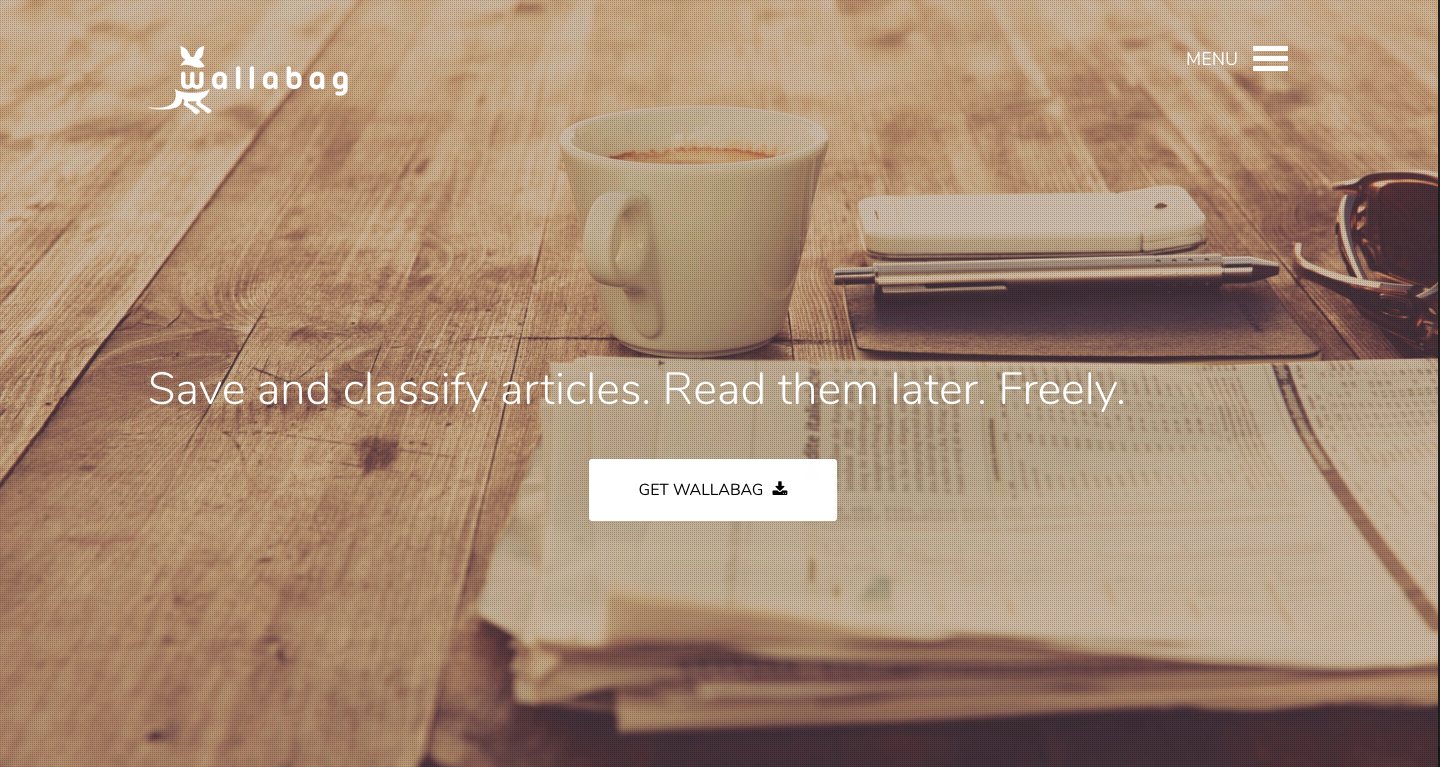
Wallabag is the tool that made self-hosted read-later a category. The Android app pushes URLs to a self-hosted or cloud instance, and the reader view is one of the cleanest available. E-reader export lets you send a folder to a Kindle or Kobo overnight without touching a desktop. Full-text search across the archive is fast enough to feel local.
Where it falls short: The UI is dated. Adding tags on mobile requires more taps than newer apps.
Pricing:
- Free: Self-hosted server and app.
- Paid: Optional wallabag.it hosted plan.
Platforms: Android, iOS, web.
Download: Google Play, Aptoide, F-Droid
Bottom line: The default pick. Everything else is a variation.
2. Karakeep — Best for modern reads with AI tagging
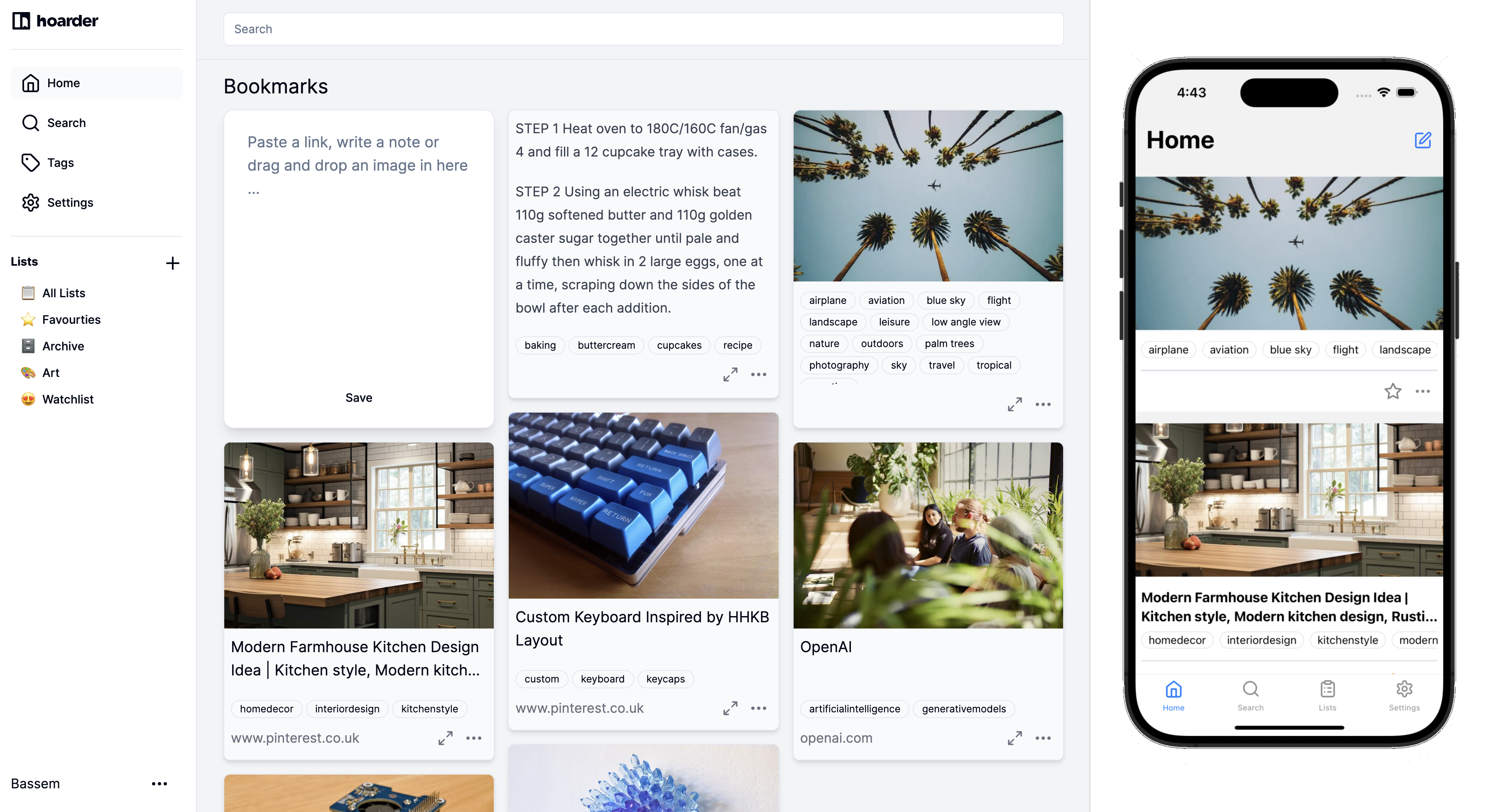
Karakeep is the newer entry in the space and the one XDA wrote about. It stores full-page snapshots by default and runs a small AI layer that suggests tags and topical clusters. The Android app is snappier than Wallabag’s on modern phones, and the search returns results across screenshotted text too.
Where it falls short: Younger project. Some third-party integrations are still being added.
Pricing:
- Free: Self-hosted server and app.
- Paid: None.
Platforms: Android, iOS, web.
Download: Google Play
Bottom line: The pick for anyone who wants modern polish and self-hosting.
3. Linkwarden — Best for preservation-first archives
Linkwarden treats every save as three artefacts: HTML, screenshot, and PDF. The Android app kicks off that pipeline on share, so a link stored today has three ways to survive if the original page 404s in five years. Full-text search covers all three artefacts.
Where it falls short: Storage grows fast. A large library needs disk planning.
Pricing:
- Free: Self-hosted, unlimited.
- Paid: Optional cloud tier.
Platforms: Android, iOS, web.
Download: Google Play
Bottom line: The paranoid archive. Best when you never want a source to disappear.
4. Readeck — Best for a clean reader on a light server
Readeck is a single Go binary with a small React front-end and a genuinely pleasant reader view. The Android app is a light shell that talks to the server over HTTPS, which means it works well on a Raspberry Pi at home. Article rendering strips ads and boilerplate cleanly.
Where it falls short: Full-text search is present but slower than Wallabag on large libraries.
Pricing:
- Free: Self-hosted.
- Paid: None.
Platforms: Android, iOS, web.
Download: Google Play
Bottom line: The pick if you want a nice reader on a small server.
5. ArchiveBox — Best for forensic-grade page copies
ArchiveBox is not a read-later app in the reader sense. It is the tool researchers use to keep evidence-grade copies of pages, complete with Warc.gz archives, screenshots, and PDFs. The Android companion shares URLs to a self-hosted ArchiveBox instance, and the browsing side lives on the web UI.
Where it falls short: Reading experience on Android is not the point. The app is a submitter, not a reader.
Pricing:
- Free: Self-hosted, unlimited.
- Paid: None.
Platforms: Android submitter, web reader.
Download: Google Play
Bottom line: The pick when the archive has to be evidence-grade.
6. Shiori — Best for a lightweight bookmarks app with archive option
Shiori is a lightweight bookmark manager written in Go, with one binary and no database dependency. It saves plain-text extracts of articles alongside the URL, which is enough for most search use cases even without full HTML. The Android client hits the API over HTTPS.
Where it falls short: No rich reader view. Archives are text-only.
Pricing:
- Free: Self-hosted.
- Paid: None.
Platforms: Android, web.
Download: Google Play
Bottom line: The pick when you want the lightest possible self-hosted stack.
7. LinkAce — Best for a library manager with dead-link checks
LinkAce treats your saved URLs as a maintained library. Scheduled crawls detect link rot and mark dead sources, and full-page archives can be triggered on-save or on-schedule. The Android app is a submitter and search interface for the web instance.
Where it falls short: Not built around a reader view. Consumption happens on the web UI.
Pricing:
- Free: Self-hosted.
- Paid: None.
Platforms: Android, web.
Download: Google Play
Bottom line: The right pick for a shared library where dead links matter.
How to pick the right one
For most people, Wallabag is still the answer. It is the most mature, the reader view is clean, and the wallabag.it option removes the self-hosting friction if you do not want to run a server.
Anyone starting fresh on modern hardware should try Karakeep first. The full-page snapshots and AI tagging are genuinely useful, and it is the app that started this migration off Pocket.
If page preservation is the point, install Linkwarden or ArchiveBox. Linkwarden is the daily-reader version; ArchiveBox is the historian’s version.
Readeck and Shiori exist for people who want the lightest possible self-hosted stack. Both run comfortably on a Raspberry Pi.
FAQ
Is Pocket really dead?
Mozilla shut down Pocket’s paid tier and the archive features first, then the service itself. The community migrated to the tools above rather than another closed service.
Which app has the best full-text search?
Karakeep and Wallabag both index full article text. Karakeep also indexes screenshotted text via OCR, which extends search into images.
Can I read offline?
Wallabag, Karakeep, and Readeck all sync articles to the phone for offline reading. Linkwarden’s Android client caches recent saves.
How do I export my Pocket library?
Pocket exported a CSV before shutdown. Wallabag, Karakeep, and Linkwarden all accept that CSV as an import.
Do these apps cost anything?
Every app tested is free and self-hostable. Optional cloud tiers exist for Wallabag and Linkwarden.