XDA’s coverage of Proton Pass calling out how password managers should secure more than just passwords sparked the usual thread on r/ProtonMail: does Proton Pass on desktop hold up in year two? For a lot of users the answer is yes, but a subset run into the same friction points, thin autofill on niche sites, family-sharing gates that require the Proton Family bundle, or Watchtower-style breach reporting that lags 1Password’s polish. If any of that pushes you to look elsewhere, the field of password managers on desktop is broad, and several alternatives now match Proton’s privacy positioning on a different licensing model.
We tested seven Proton Pass alternatives on desktop in 2026 and ranked them on sync model, passkey support, self-hosting options, and the daily-driver polish that decides whether the rest of the household actually uses it.
Quick comparison
| App | Best for | Free plan | Starting price | Standout |
|---|---|---|---|---|
| Bitwarden | Open-source cloud or self-hosted | Unlimited devices | $1/mo Premium | Vaultwarden self-host |
| 1Password | Polished defaults for families | Trial only | $2.99/mo Individual | Best-in-class Watchtower |
| Dashlane | Bundled VPN and password health | 25 passwords | $2.75/mo Premium | Hotspot Shield VPN included |
| KeePassXC | Local vault, no cloud | Fully free | Free | Zero-account, .kdbx portable |
| Enpass | Lifetime licence | 25 items | $2.99/mo or lifetime | Perpetual purchase still available |
| NordPass | Cloud with XChaCha20 crypto | 1 device only | $1.49/mo Premium | Nord ecosystem discounts |
| Keeper | Family plans and audit | 30-day trial | $2.92/mo Personal | Best granular audit reports |
Why people leave Proton Pass
A handful of recurring reasons come up across r/ProtonPass and r/PasswordManagers in 2026:
- Family plan is bundled. Proton Pass family sharing arrives with the Proton Family bundle, which some users don’t want because they already have email or cloud elsewhere.
- Autofill quirks on niche sites. Some banking and enterprise SSO flows still need manual copy-paste; more mature managers handle these transparently.
- Watchtower-style breach reporting is thinner. 1Password’s Watchtower still gives more granular, categorised alerts than Proton Sentinel does.
- No self-hosting. The vault lives on Proton’s servers by design; users who want a self-hosted vault on a NAS look at Vaultwarden instead.
- Slower desktop-app cadence. The Windows and Mac desktop apps ship polish updates less often than the mobile clients.
If any of that matters, here are 7 Proton Pass alternatives on desktop worth trying.
The 7 Proton Pass alternatives
1. Bitwarden, best open-source pick
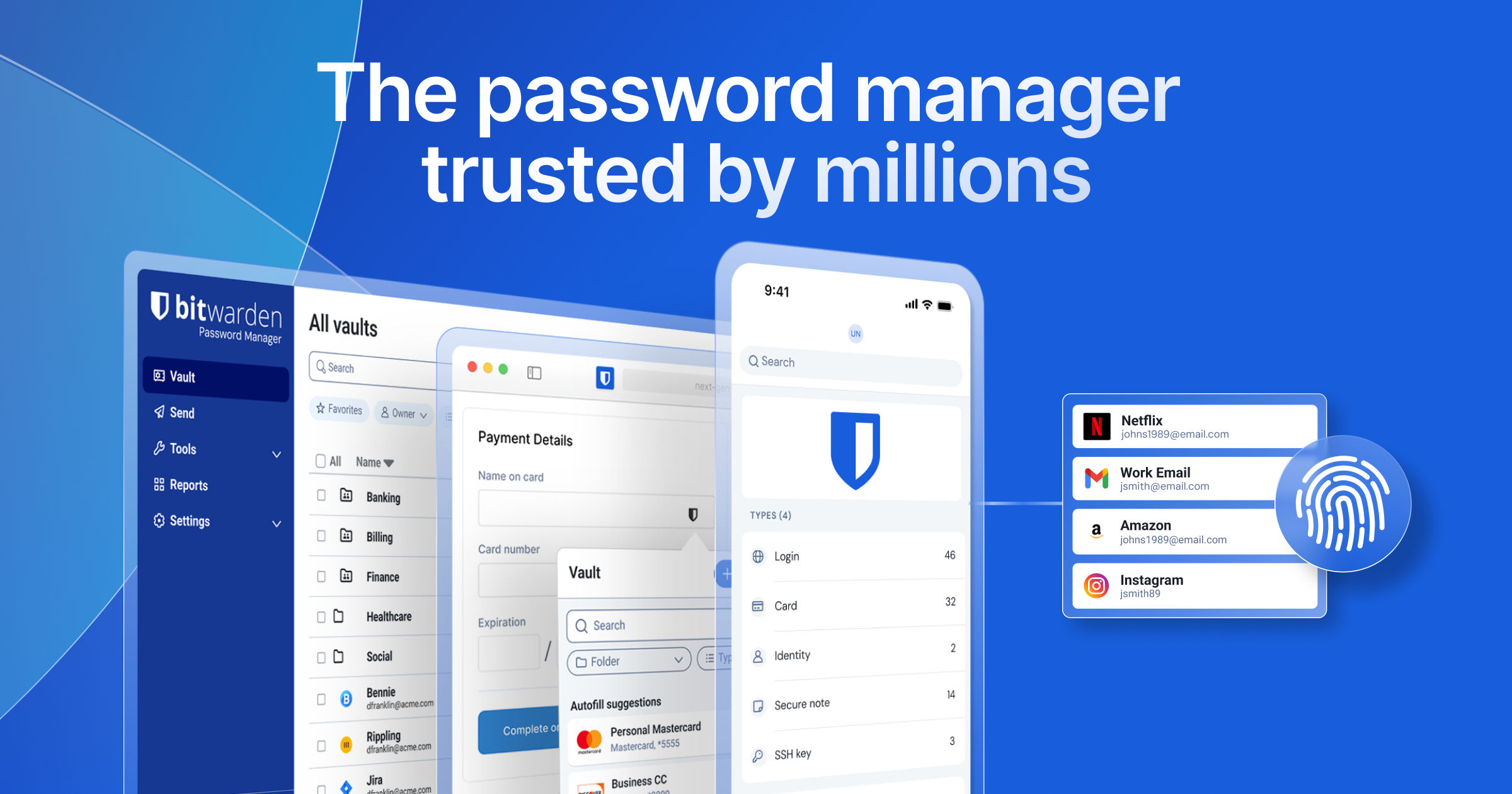
Bitwarden is the most popular Proton Pass alternative for a straightforward reason: it’s open source, the free tier is unlimited across devices, and the Vaultwarden project lets you run the same vault on a Raspberry Pi or NAS if you’d rather not trust any third-party cloud. Passkeys, browser autofill on every major browser, biometric unlock, and Bitwarden Send for one-off encrypted file transfers all work out of the box.
Where it falls short: The desktop UI is functional rather than delightful. Some advanced Proton Pass features (built-in hide-my-email aliases, native 2FA management with iCloud-style seamless sync) still feel more polished on Proton’s side.
Pricing: Free tier is unlimited on devices and passwords. Premium is $10/year. Families is $40/year for six users.
Download: Bitwarden.com
Bottom line: The default Proton Pass alternative for open-source and self-host minded users.
2. 1Password, best polished defaults
1Password on desktop is the reference for polish. Watchtower breach categorisation, Travel Mode, cross-device sync, browser extension integration, and the shared vault model for teams and families all just work. The Rust-based rewrite of recent years made the app snappier on both Windows and macOS.
Where it falls short: No free tier beyond the trial. Cloud-only architecture (no self-hosting). Individual plan is more expensive than most competitors here.
Pricing: Individual $2.99/month. Families $4.99/month for five users. Business tiers up from there.
Download: 1Password.com
Bottom line: The pick when polish and cross-platform consistency matter more than open source.
3. Dashlane, best bundled VPN
Dashlane on desktop bundles Hotspot Shield VPN, password-health scoring, and a dark-web-monitoring service into a single subscription. The web-app-first architecture (the desktop client is a wrapper) means it stays consistent across devices, and the Personal Plan pricing is competitive with Proton Pass Plus.
Where it falls short: The free tier is capped at 25 passwords, which is smaller than most competitors. Some users find the web-first client heavier than a native app.
Pricing: Free tier for 25 passwords on one device. Premium ~$2.75/month billed annually. Friends & Family $4.99/month for 10 users.
Download: Dashlane.com
Bottom line: For users who wanted the Proton VPN bundle but want a password manager with tighter VPN integration.
4. KeePassXC, best local-only vault
KeePassXC is the open-source local vault. The database is a .kdbx file that lives wherever you put it (local disk, Syncthing folder, encrypted USB stick). No cloud account, no subscription, no telemetry. Browser integration is provided by the KeePassXC-Browser extension, and the app runs identically on Windows, macOS, and Linux.
Where it falls short: You are your own sync provider. Mobile sync needs a companion app (KeePassDX on Android, Strongbox on iOS) plus a manual sync target. Family-sharing means sharing a vault file, not a per-user model.
Pricing: Free and open source.
Download: KeePassXC.org
Bottom line: For users who want their vault genuinely offline and portable.
5. Enpass, best lifetime licence
Enpass stands out because it still sells a one-time perpetual licence in a subscription-first market. Vaults sync through your existing cloud (Dropbox, iCloud, Google Drive, OneDrive, or WebDAV) rather than Enpass’s own infrastructure, so your data stays where you already trust it.
Where it falls short: Bring-your-own-sync means you need to manage the cloud target yourself. Free tier on desktop is capped at 25 items per vault.
Pricing: Free with 25-item cap. Individual subscription about $2.99/month. Lifetime licence around $99 one-time (pricing subject to promotions).
Download: Enpass.io
Bottom line: The pick if you’re allergic to subscription pricing.
6. NordPass, best Nord ecosystem fit
NordPass is the password manager from Nord Security (NordVPN’s parent), and it’s the pick if you’re already a Nord subscriber and want the bundle discount. XChaCha20 encryption is a genuine upgrade over the older AES-256 defaults on some competitors, and passkey support and data-breach scanning ship on the free tier.
Where it falls short: Free tier is limited to one active device. The Nord-ecosystem UI language can feel busy versus Proton’s calm design.
Pricing: Free with device limit. Premium $1.49/month billed for two years. Family plan $2.79/month for six users.
Download: NordPass.com
Bottom line: For existing Nord users who want everything under one bill.
7. Keeper, best granular auditing
Keeper on desktop is enterprise-grade auditing that scales down cleanly to a family. BreachWatch alerts on exposed credentials, KeeperChat handles encrypted messaging, and the admin console tracks every share and access event with fine-grained roles. For households and small businesses who need real audit trails, this is the pick.
Where it falls short: UI is denser than Proton Pass or 1Password. Some collaboration features gate behind the Business tier.
Pricing: Free 30-day trial. Personal ~$2.92/month. Family plan around $6.25/month for five users.
Download: Keeper Security
Bottom line: For families and small teams who need the audit trail.
How to choose
- Pick Bitwarden if open-source and self-hosting matter.
- Pick 1Password if you want the most polished default.
- Pick Dashlane if you want a password manager and VPN in one bill.
- Pick KeePassXC if the vault should never leave your machine.
- Pick Enpass if you want to pay once and own it.
- Pick NordPass if you’re already a Nord subscriber.
- Pick Keeper if you need granular audit trails.
- Stay on Proton Pass if you’re bought into the Proton ecosystem for Mail, Drive, VPN, and Calendar.
FAQ
Can I import my Proton Pass vault into another password manager? Yes. Proton Pass supports export to CSV and JSON. Bitwarden, 1Password, Dashlane, Enpass, NordPass, and Keeper all accept CSV imports. KeePassXC accepts CSV via its import wizard. Passkeys don’t migrate cleanly across services; expect to re-register those.
Which Proton Pass alternative works best on Linux desktop? Bitwarden and KeePassXC ship first-party Linux builds. Enpass ships an official Linux client. 1Password’s Linux client is a rewrite from a few years ago and now sits at feature parity with the Mac and Windows versions.
Is there a fully offline Proton Pass alternative? KeePassXC is the fully offline choice. Enpass is offline-first but supports optional cloud sync through your own provider.
Which Proton Pass alternative is best for families on desktop? 1Password and Bitwarden both do the family-sharing model cleanly. 1Password Families is the more polished experience; Bitwarden Families is cheaper and open source.
Do any Proton Pass alternatives support passkeys? All seven support passkeys in 2026. Adoption is still uneven across the sites you’ll want to log into, so the differences are mostly about how the app surfaces existing passkeys during autofill.
Is Proton Pass worth staying on if I already pay for Proton Mail? Usually yes. The bundle math (Proton Unlimited or Proton Family) makes Proton Pass effectively free on top of the mail and drive value you’re already using. The alternatives above are worth a look only if a specific friction pushed you off.