Valve warned Steam Machine and Steam Controller pre-order customers this week that a partner breach exposed shipping addresses, names, and phone numbers, and the resulting scam-email wave is already visible on the Steam forums. Steam is not alone, and it will not be the last one. If you want to know the second one of your accounts shows up in a leak, and act on it before the phishing wave hits your inbox, you need something running on your desktop that watches for you. These seven best apps for data breach monitoring on desktop cover the spectrum: free single-check tools, paid vaults with dark-web scanners, and open-source stacks that let you own the process.
What to look for in a breach monitoring app
- Have I Been Pwned integration, the underlying dataset most other tools use. Direct integration cuts out middlemen.
- Password vault plus breach checker in one app. Two-app workflows lose to convenience every time.
- Local-only checks or k-anonymity. Uploading your plaintext password to a checker is exactly the wrong move.
- Alerts, not just on-demand checks. A leak that lands six months from now is more useful to know about at that moment.
- Cross-device sync, since your accounts follow you between phone, laptop, and desktop.
- Dark web monitoring. Not just HIBP mirrors, but the paste sites and marketplaces where credentials get resold first.
Quick comparison
| App | Best for | Platforms | Free plan | Starting price/mo | Rating |
|---|---|---|---|---|---|
| Bitwarden | Free open-source vault with breach checker | Windows, Mac, Linux, CLI | Full vault free | $1.00/mo Premium | 4.6 |
| KeePassXC | Local-only open-source vault | Windows, Mac, Linux | Free | Free | 4.7 |
| 1Password | Best paid breach reports | Windows, Mac, Linux | 14-day trial | $2.99/mo | 4.7 |
| Mozilla Monitor | Free single-purpose monitor | Web + desktop wrappers | Free scans | $8.99/mo Plus | 4.4 |
| NordPass | Vault with data breach scanner | Windows, Mac, Linux | Free tier | $1.49/mo | 4.5 |
| pwned CLI | Scriptable breach checks | Windows, Mac, Linux | Free | Free | N/A |
| Proton Pass | Vault with dark web monitoring | Windows, Mac, Linux | Free tier | $1.99/mo | 4.5 |
The apps
1. Bitwarden, Best for free open-source vault with breach checker
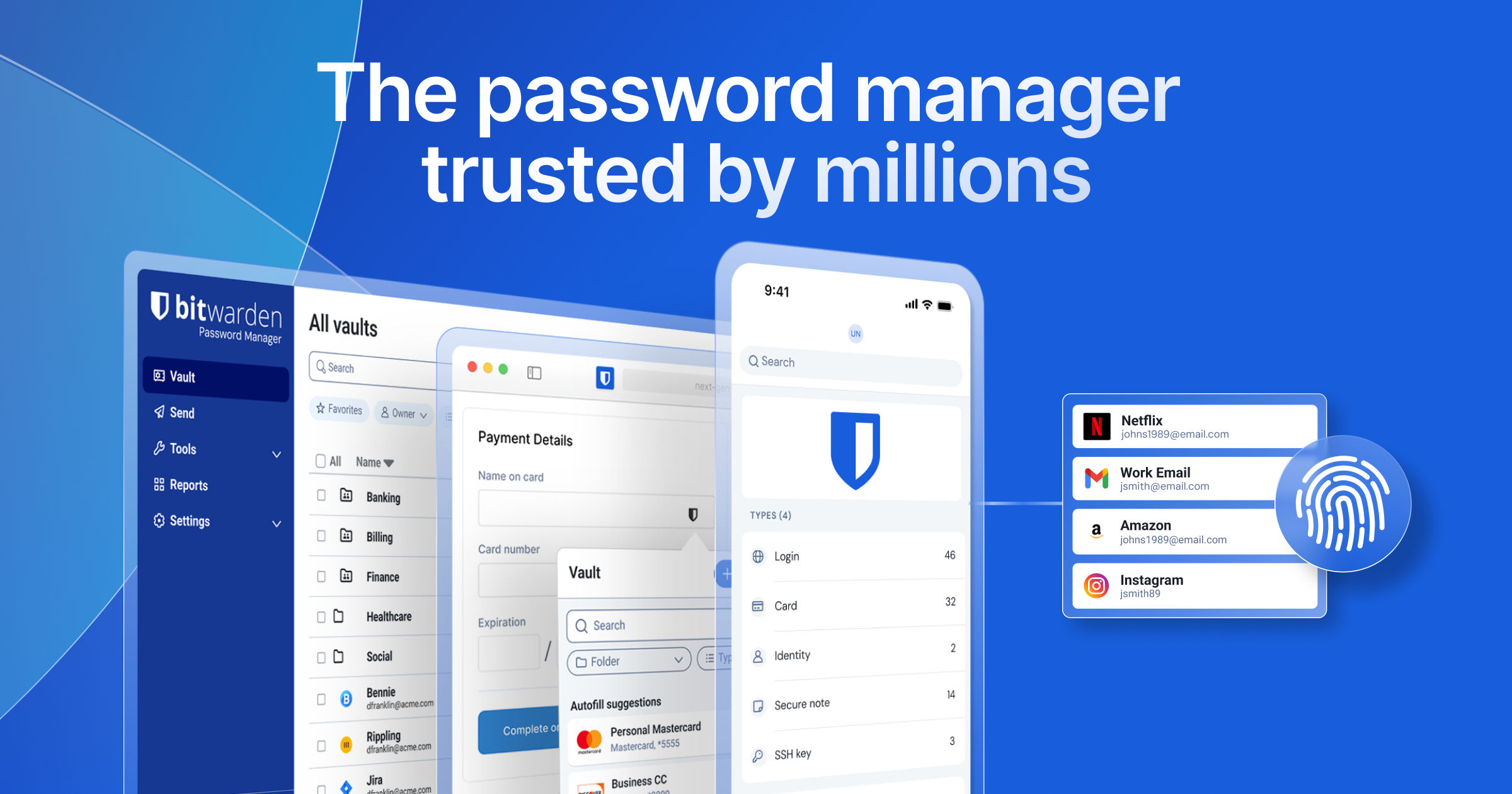
Bitwarden ships with a data breach report in the desktop and web vaults that runs your saved logins against Have I Been Pwned. The scan uses the k-anonymity API, so the vault never sends plaintext passwords or hashes. Weak Passwords, Reused Passwords, Inactive 2FA, and Unsecured Websites reports also live under the same Reports section.
Where it falls short: the free tier does not include the Data Breach Report (it requires Premium). Bitwarden self-hosted deployments need Vaultwarden or the full Bitwarden Unified server to keep the report working.
Pricing:
- Free: full vault, unlimited passwords, unlimited devices
- Paid: $1.00/mo or $10/year Premium unlocks reports and TOTP storage
- Family plan: $3.33/mo for 6 users
Platforms: Windows, macOS, Linux, browser extension, CLI
Download: Publisher
Bottom line: The best default pick for anyone who wants a password manager and a breach monitor in one, without a subscription lock-in.
2. KeePassXC, Best for local-only open-source vault
KeePassXC is the desktop-first fork of KeePass, and it added HIBP breach checking a few years back. Everything stays on your device (no cloud), and the HIBP call is opt-in and uses k-anonymity. Cross-platform builds are official and reproducible.
Where it falls short: no built-in cloud sync (you sync the .kdbx file with Syncthing, Nextcloud, or Dropbox). The UI is spartan.
Pricing:
- Free and open source, no accounts, no subscription
Platforms: Windows, macOS, Linux, plus KeePassDX/Strongbox on mobile for shared vault
Download: Publisher
Bottom line: Best pick if you want zero cloud footprint and full local control.
3. 1Password, Best for paid breach reports
1Password built Watchtower into the vault years before competitors caught on. The report flags compromised logins from HIBP, weak passwords, reused passwords, unsecured websites, expiring cards, and two-factor gaps. The dark web monitor scans paste sites and known credential dumps as well, not only HIBP.
Where it falls short: no free tier, and the family plan is priced higher than Bitwarden’s. Some corporate versions gate the breach report behind an admin toggle.
Pricing:
- 14-day free trial
- Paid: $2.99/mo individual, $4.99/mo Families
Platforms: Windows, macOS, Linux, browser extensions
Download: Publisher
Bottom line: Best pick for a paid vault with the most polished breach report.
4. Mozilla Monitor, Best for free single-purpose monitor
Mozilla Monitor (formerly Firefox Monitor) is the free desktop and web tool from Mozilla. Enter your email once, and Mozilla notifies you when it appears in a new HIBP breach. Monitor Plus adds automated data broker removal (US only for now).
Where it falls short: it is a monitor, not a vault. Data broker removal is US-only. Email scanning is the primary check, not password reuse or 2FA.
Pricing:
- Free scans and alerts
- Paid: $8.99/mo Monitor Plus for automated data broker removal
Platforms: Web app with desktop notification wrappers
Download: Publisher
Bottom line: Best pick for anyone who wants free email-only breach monitoring with no vault overhead.
5. NordPass, Best for vault with data breach scanner
NordPass ships a Data Breach Scanner that runs continuously against your saved emails and credit cards. When something surfaces on a paste site, the desktop app notifies you and points at which login is affected. The XChaCha20 encryption stack is well audited.
Where it falls short: the free tier is single-device. The scanner is a Premium feature.
Pricing:
- Free: single device, no breach scanner
- Paid: $1.49/mo Premium (billed 2-year), $2.79/mo Family
Platforms: Windows, macOS, Linux, browser extensions
Download: Publisher
Bottom line: Best pick if you already trust Nord’s ecosystem.
6. pwned CLI, Best for scriptable breach checks
pwned (also hibp-cli and h8mail) is a small command-line client for the Have I Been Pwned API. Feed it an email, a domain, or a password hash, and it returns the affected breaches in JSON. Anyone running a home lab or a shared-email family setup can plug it into cron and get a nightly report.
Where it falls short: no vault, no UI, no notifications. Requires an HIBP API key ($3.95/mo for personal use) for email queries. Password checks remain free (k-anonymity endpoint).
Pricing:
- Free tool
- HIBP API key $3.95/mo for email lookups
- Password lookups always free
Platforms: Windows, macOS, Linux via npm, pip, or Homebrew
Download: GitHub (h8mail) · GitHub (pwned)
Bottom line: Best pick for admins and home-lab operators who want a scriptable breach pipeline.
7. Proton Pass, Best for vault with dark web monitoring
Proton Pass is Proton’s password manager, and it ships Pass Monitor for breach alerts. Emails, credit cards, and passwords in the vault get checked against HIBP plus Proton’s own dark-web sources. Because Proton Pass includes email aliasing, you can also get alerts when an alias you created is exposed, without giving away your real address.
Where it falls short: Pass Monitor’s advanced views (dark web alerts, 2FA gap reports) live in Pass Plus. The free tier is limited to 10 hide-my-email aliases.
Pricing:
- Free: full vault, 10 aliases, no advanced Monitor
- Paid: $1.99/mo Pass Plus for full Monitor (billed 2-year), or $9.99/mo bundled with Mail/VPN/Drive
Platforms: Windows, macOS, Linux, browser extensions
Download: Publisher
Bottom line: Best pick if you want a privacy-first vault, aliasing, and breach alerts in one bill.
How to pick the right one
If you want the simplest option: Bitwarden. Premium is $1/month and gets you everything most people need.
If you need offline-only: KeePassXC. Nothing leaves your machine unless you sync a file.
If you want the best paid experience: 1Password. Watchtower is still the polish leader.
If you only want email monitoring: Mozilla Monitor. Free and no vault to manage.
If you like Nord’s stack: NordPass. The Data Breach Scanner is solid.
If you are a scripter: pwned CLI. Wire it into your dotfiles.
If you want privacy-first aliasing plus monitoring: Proton Pass. Aliases turn the breach detector into a leak-source detector.
FAQ
Is Have I Been Pwned safe to use?
Yes. Every real breach monitoring tool sits on top of Have I Been Pwned’s API (which uses k-anonymity), so the underlying data is the same. The differences are in the UI, alerting, and additional dark web sources.
What is the best free data breach monitor?
Mozilla Monitor for email-only checks, KeePassXC or Bitwarden’s free tier for password-vault-plus-checks. Bitwarden’s breach report is Premium ($1/mo).
Do these apps show me my leaked passwords?
No responsible tool shows the plaintext password from a leak. They show which of your saved passwords match known compromised hashes. If you want to see the exact string, use the pwned CLI against a specific hash.
Should I use my password manager’s breach checker if I already use Have I Been Pwned?
Yes. Manual HIBP lookups check one thing at a time. A vault-integrated checker runs against every login you own automatically and tells you which specific account is affected.
How often should I run a breach check?
Monthly at minimum, or set up alerts so you are notified within a day of a new dataset landing. The Valve breach is a reminder that lag between the breach and the phishing wave can be measured in hours.