The XDA piece on pinning Docker images to latest is a lesson every homelab operator learns the hard way: latest moves without asking, and one bad pull breaks a stack you cannot roll back. The tools below give you the middle path: notify on new images, pin to real tags, and update on a schedule you control. Seven picks across Docker, Podman, Compose, Swarm, and Kubernetes.
What to look for in a container auto-updater
The right pick depends on scale, not preference. Weigh:
- Notify vs auto-apply. Notification-only tools let you decide when to update. Auto-apply tools update on their own schedule.
- Tag policy. Blanket
latestpulls, semver-aware pinning, or Renovate-style PR-based bumps. - Rollback support. A tool that keeps the previous image around is worth the extra disk.
- Notification targets. Slack, Discord, email, Gotify, ntfy, or nothing.
- Fleet size. One host is fine with Watchtower. A hundred hosts wants Renovate or a Kubernetes operator.
Quick comparison
| App | Best for | Runtime | Free | Notifications | Auto-apply |
|---|---|---|---|---|---|
| Watchtower | Solo homelab hosts | Docker | Yes | Yes | Yes |
| Diun | Notify-only, no auto-apply | Docker, Podman, Kubernetes | Yes | Yes | No |
| Ouroboros | Legacy Watchtower alternative | Docker | Yes | Yes | Yes |
| Podman auto-update | Native Podman systemd | Podman | Yes | No | Yes |
| Shepherd | Docker Swarm services | Docker Swarm | Yes | No | Yes |
| Renovate | GitOps-managed Compose or Kubernetes | Any (via git) | Yes (open source) | Yes | Via PRs |
| Portainer | Manual updates with a GUI | Docker, Swarm, Kubernetes | Free CE | Yes | Yes |
1. Watchtower, best default for a single Docker host
Watchtower is a Docker container that watches your other Docker containers. When a new image tag is pushed to the registry, Watchtower pulls it, recreates the container with the same config, and cleans up the old image. Add a label to a container to opt it in or out.
It is the default starter for a home Docker host because it takes a two-line Docker Compose block to set up and does exactly one thing well.
Where it falls short: Watchtower assumes latest or a mutable tag. If you pin to 1.2.3, it does not roll to 1.2.4 on its own. No rollback. The upstream project has slowed; forks (WOL-based, security-patched) are common.
Pricing: Free and open source (Apache 2.0).
Platforms: Any host that runs Docker (Windows, macOS, Linux, ARM).
Download: containrrr.dev/watchtower · GitHub
Bottom line: The right first pick for a personal Docker host, with the caveat that you should not point it at production services you cannot afford to break.
2. Diun, best notify-only pick
Diun watches image tags in your registry and sends a notification when a new digest is available. It never pulls, never recreates, never touches your containers. You get a Discord ping or a Gotify notification, and you update on your terms.
The reason to pick it is control. Watchtower’s auto-apply moves faster than most people want; Diun keeps humans in the loop.
Where it falls short: You still have to run docker compose pull && docker compose up -d by hand.
Pricing: Free and open source (MIT).
Platforms: Any host with Docker, Podman, or a Kubernetes cluster.
Download: crazymax.dev/diun · GitHub
Bottom line: The right pick when you want to know about updates but not to auto-apply them.
3. Ouroboros, best older Watchtower alternative
Ouroboros is a Python-based Watchtower alternative that predates Watchtower and does the same basic job: pull, recreate, prune. Some homelabbers stay on Ouroboros because its config is closer to what they wrote years ago.
Development is slow but stable. New users should start with Watchtower or Diun.
Where it falls short: Slower release cadence than the alternatives. Feature set is essentially frozen.
Pricing: Free and open source (MIT).
Platforms: Any host that runs Docker.
Download: GitHub
Bottom line: Fine if you already run it. Otherwise Watchtower or Diun.
4. Podman auto-update, best native Podman option
Podman ships with podman auto-update, a subcommand that reads a label on each container and pulls fresh images on a systemd timer. No sidecar container, no third-party tool. It integrates with Quadlet (systemd’s Podman generator) for declarative service definitions.
The reason to pick it is that if you run Podman rootless on RHEL, Fedora, or a modern Debian, the auto-update path already exists in the OS.
Where it falls short: Podman only. No notification built in.
Pricing: Free and open source (Apache 2.0).
Platforms: Linux (Podman).
Download: Documentation at docs.podman.io
Bottom line: The native pick on Podman hosts. No new tool required.
5. Shepherd, best for Docker Swarm
Shepherd watches Docker Swarm services (not standalone containers) and rolls services when their image tag has a new digest. It respects Swarm’s rolling-update strategy, which means it plays nicely with health checks and update parallelism.
Very few people still run Swarm at scale, but for those who do, Shepherd is the auto-updater built for Swarm’s model.
Where it falls short: Swarm only. No use outside a Swarm cluster.
Pricing: Free and open source (MIT).
Platforms: Docker Swarm (Linux hosts).
Download: GitHub
Bottom line: The right pick inside a Docker Swarm.
6. Renovate, best GitOps approach
Renovate is a bot that opens pull requests in your git repo when an image tag has an update. It works on Compose files, Kubernetes manifests, Helm charts, Dockerfiles, GitHub Actions, and dozens more targets. The PR includes release notes, changelog links, and a check that the new tag actually exists.
The reason to pick it is that updates become code changes. You review them, merge them, and CI applies the update. Rollback is a git revert. This is the pattern most production teams settle into.
Where it falls short: Requires a git-based deployment pipeline. Not a fit for a homelab that does not use CI.
Pricing: Free self-hosted (Apache 2.0). Managed service (Mend) is also free for open source and small teams.
Platforms: GitHub, GitLab, Bitbucket, self-hosted git.
Download: renovatebot.com · GitHub
Bottom line: The right pick when your infra is defined in git.
7. Portainer, best GUI-based manual updates
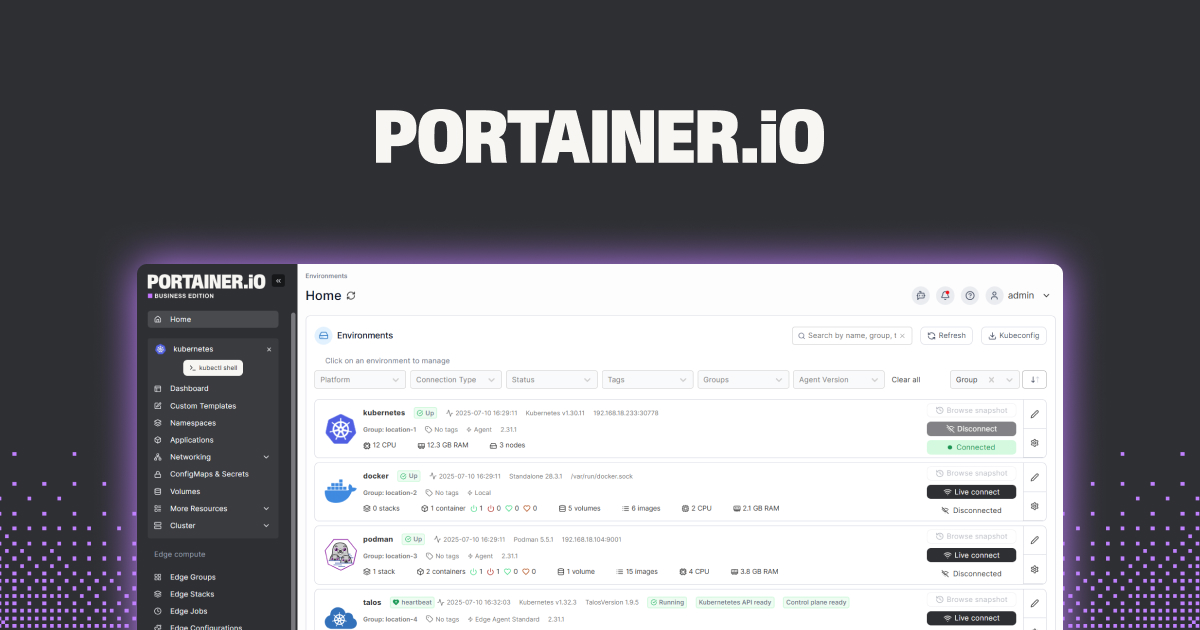
Portainer is a Docker/Swarm/Kubernetes management dashboard. It shows every container and every image, flags when a new image is available, and lets you recreate the container with the fresh pull with two clicks. Community Edition is free; Business Edition adds RBAC, image scanning, and more.
The reason to pick it is that some updates are one-off decisions that you want to make from a UI rather than a config file.
Where it falls short: Not fully automated. You are the auto-updater; Portainer just gives you the button.
Pricing: Free Community Edition. Paid Business Edition.
Platforms: Docker, Swarm, Kubernetes (self-hosted).
Download: portainer.io · GitHub
Bottom line: The pick for click-to-update workflows and mixed fleets.
How to pick
- Single Docker host, homelab: Watchtower.
- Same, but you want a heads-up not auto-apply: Diun.
- You run Podman:
podman auto-update. - Docker Swarm: Shepherd.
- Kubernetes or Compose in git: Renovate.
- Prefer a dashboard: Portainer.
FAQ
Is it safe to run Watchtower against production?
Not without careful tag policy. Point it at :latest and it can break your stack on any upstream mistake. Point it at semver-pinned tags and add a health-check-based rollback. Better: use Renovate for anything you cannot afford to break.
How do I pin to a real version instead of latest?
Replace image: nginx with image: nginx:1.27.2 in your Compose file. Renovate opens a PR when 1.27.3 ships. Watchtower and Diun both notice new digests even for pinned tags if the tag itself is updated upstream.
Do these tools work with private registries?
Yes. Watchtower, Diun, and Renovate all support docker credentials for private registries (ECR, GCR, Harbor, self-hosted).
Can I roll back a bad update?
Watchtower and Ouroboros do not keep the previous image tagged; you need the previous image ID or your own tagging scheme. Portainer’s UI makes rollback easier. Renovate rollback is git revert.
How often should containers auto-update?
For a homelab, once a day at a quiet hour is fine. For production, prefer notify-only or PR-based (Renovate) so updates ship through review and CI, not a background daemon.